
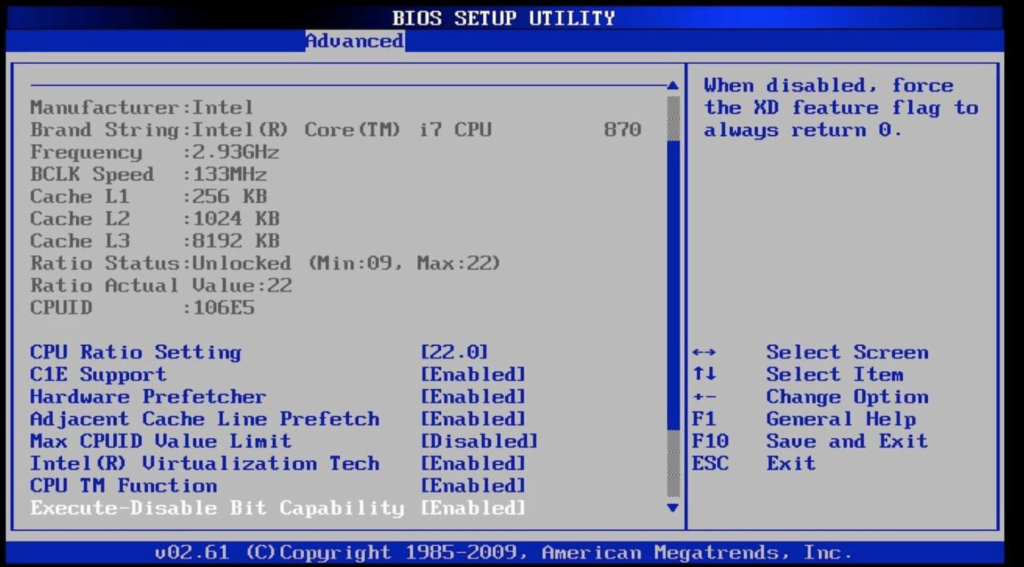
BIOS (legacy mode – old)
The BIOS is so old that when it boots, the processor is in “Real Mode”. It can only see 1 MB of RAM
It only understands disks with an MBR table. If your disk is 100 GB there’s no problem, but if it were larger than 2 TB, the BIOS wouldn’t know what to do
The BIOS looks for the first 512 bytes of the disk (Sector 0), loads them into memory, and tells the CPU: “Good luck, run whatever’s there.” It’s pure, unadulterated assembly code
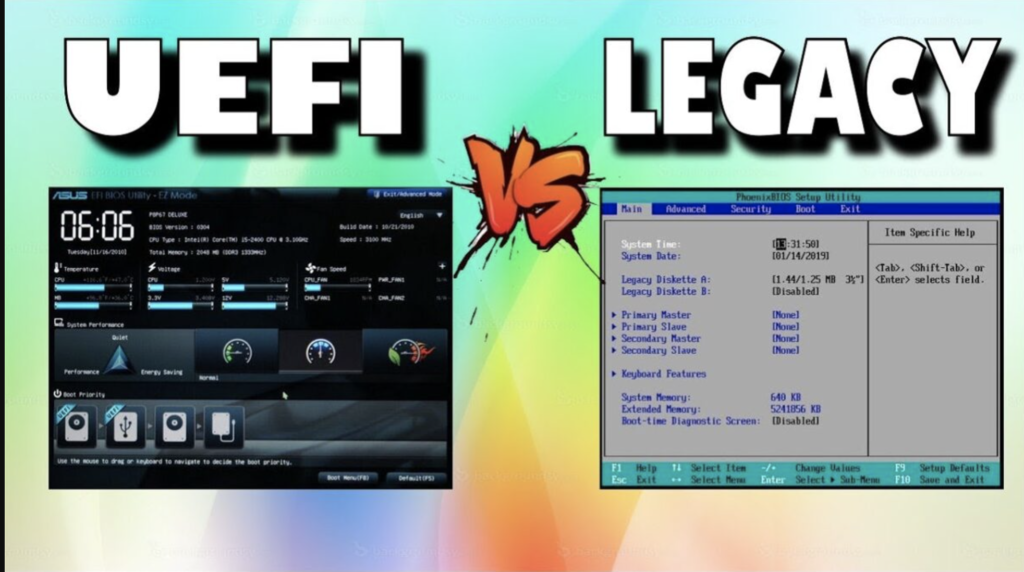
Interface: It’s the classic blue or gray screen where you only use the keyboard
uses MBR
Maximum 2.2 TB
Read raw sectors (binary)
code: Assembler (16 bits)
It’s slow (it initializes one by one)
image:
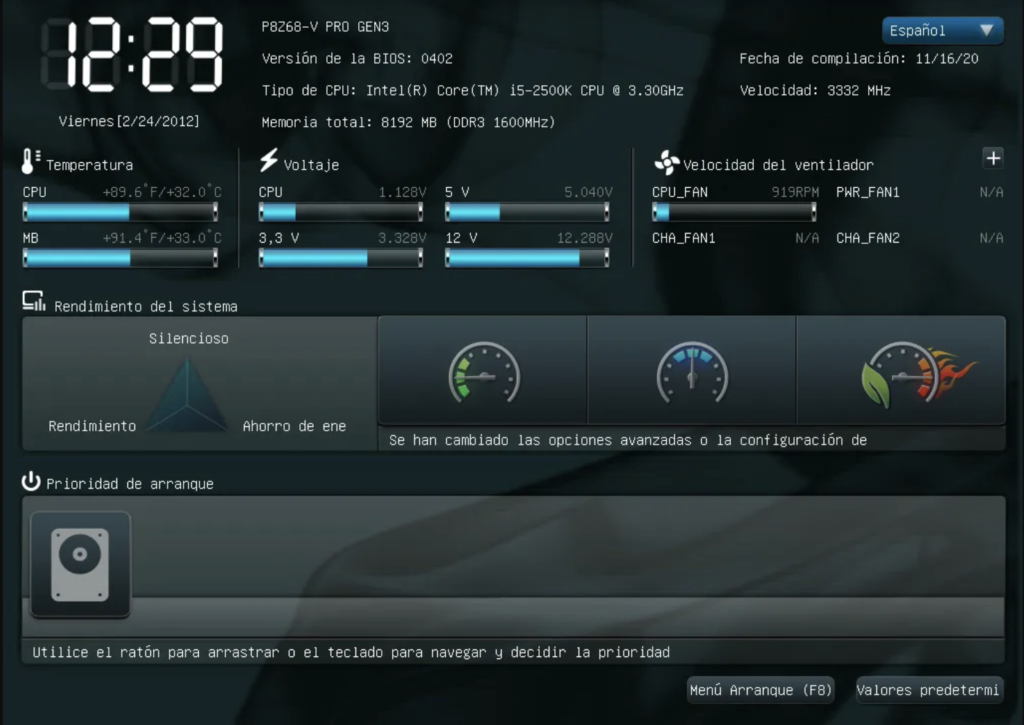
UEFI (The modern era)
32 or 64 bit mode: From second 1, UEFI can use almost all of your RAM and CPU power
GPT Required: Uses the GPT index, allowing for much larger partitions than the four allowed by MBR
Secure Boot: It can verify digital signatures so that no one can put a virus in your system before it boots up
It is programmed primarily in C, not in basic assembly language.
uses GPT (and MBR)
Up to 9.4 ZB (Zettabytes)
Reads specific files (.efi)
Code: C / C++ (32/64 bits)
It’s fast (it parallelizes hardware)
image:
- ESP lives within UEFI
- .efi is a extension or format
- BIOS is from 1977
- Unlike BIOS (which only reads sectors), UEFI can read file systems (FAT32). Therefore, it can search for a file called bootloader.efi within a folder.
If you were using BIOS, you would have to write very complex code to switch from 16-bit boot to 64-bit
With UEFI, the motherboard delivers the processor ready to work in 64-bit mode (with the ability to read files from your ESP partition)