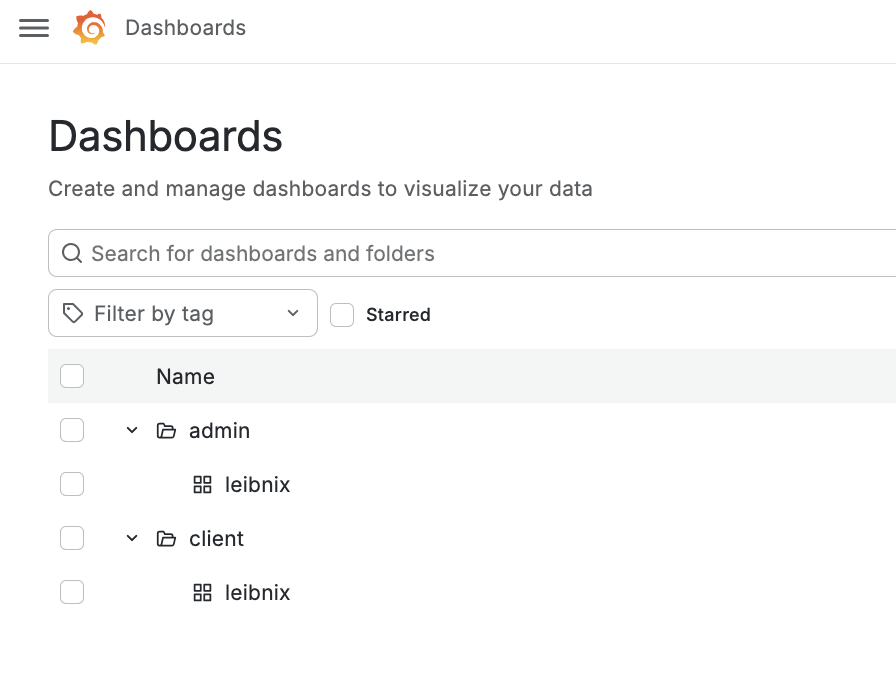
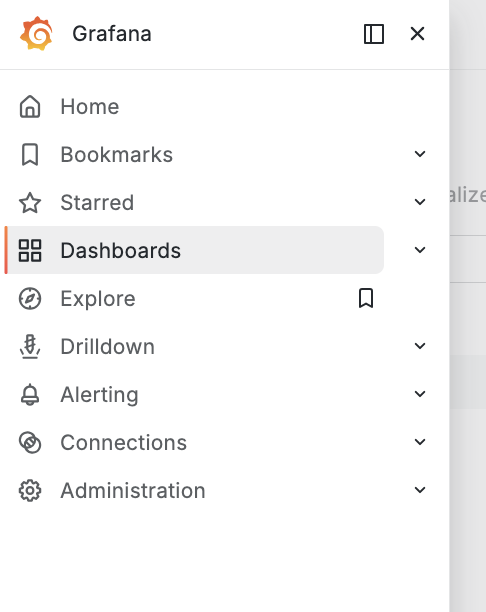
go to at dashboards:
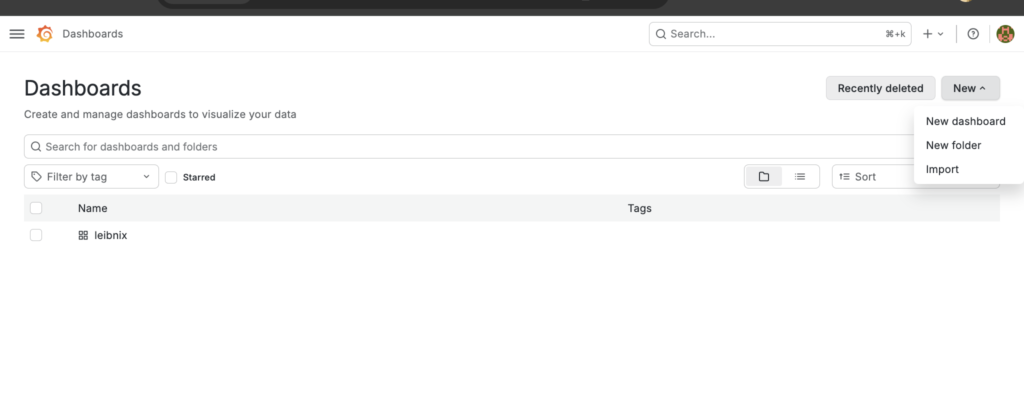
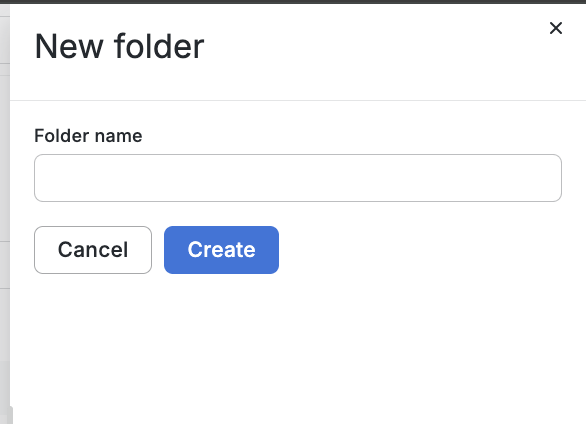
create folder (in dasboards, in “new” button in “New folder”) in rigth top:
move the dashboard to the folder created:
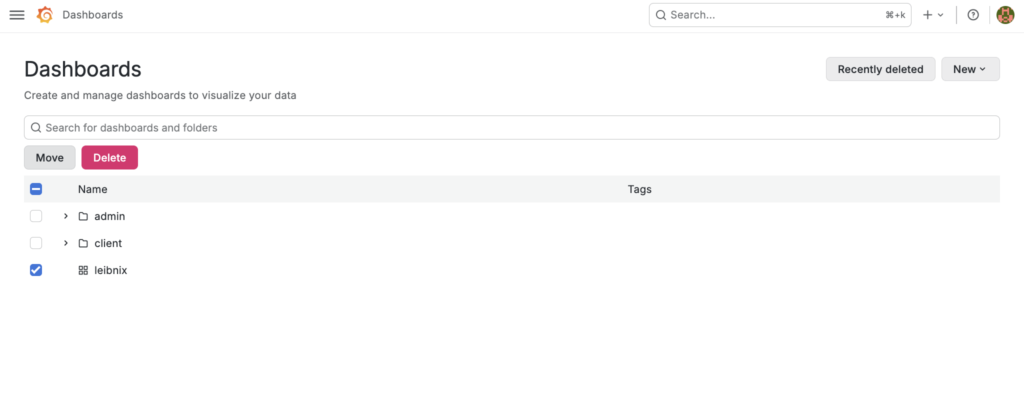
select folder:
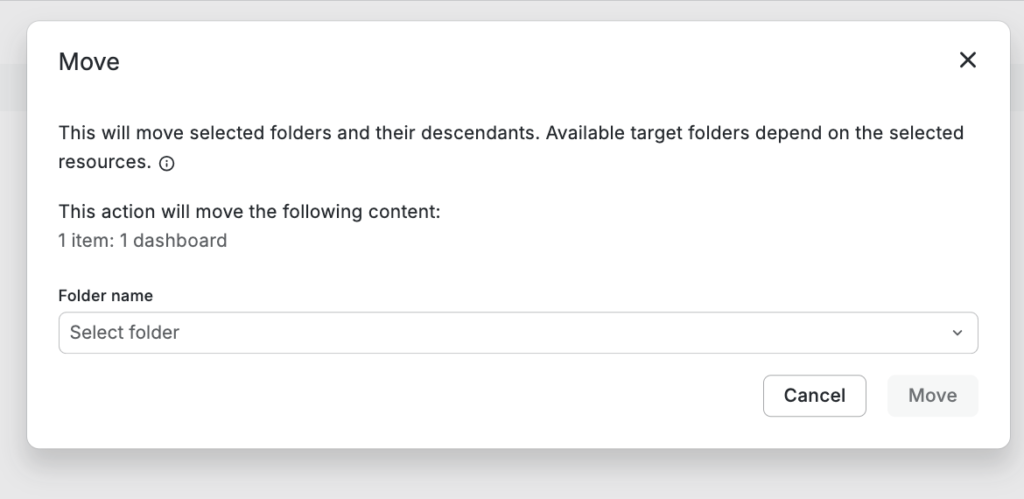
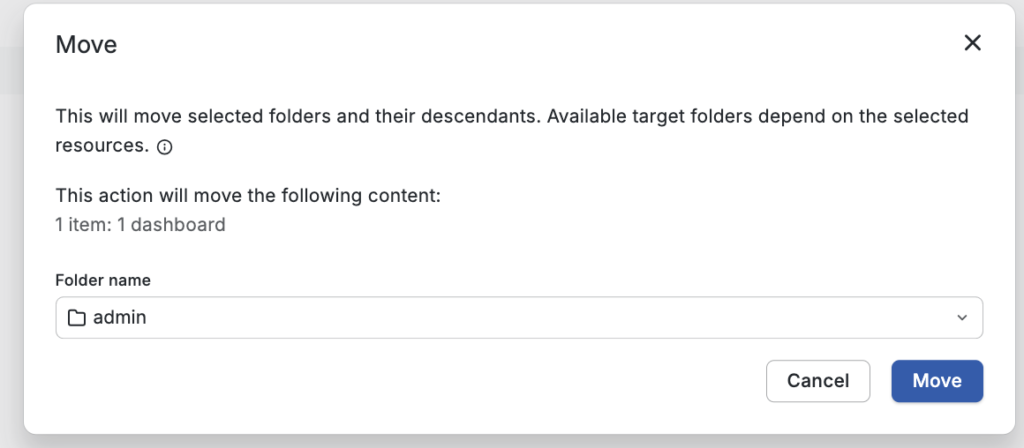
now, you can see the dashboard in the new folder:
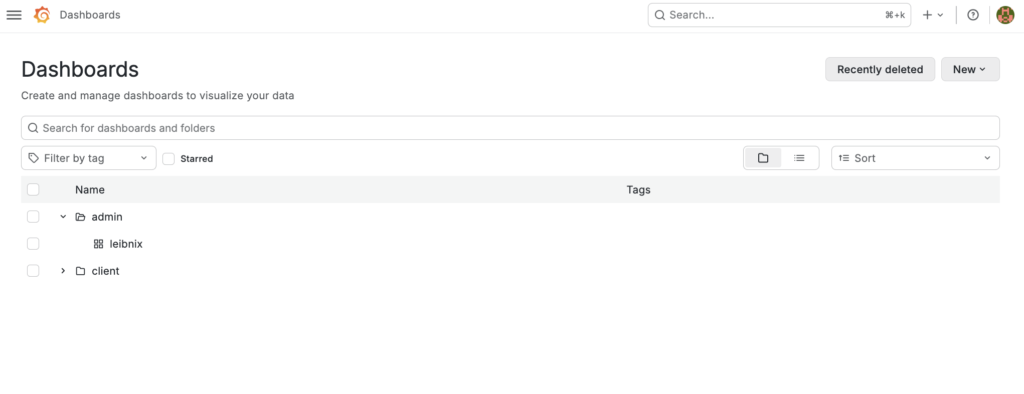
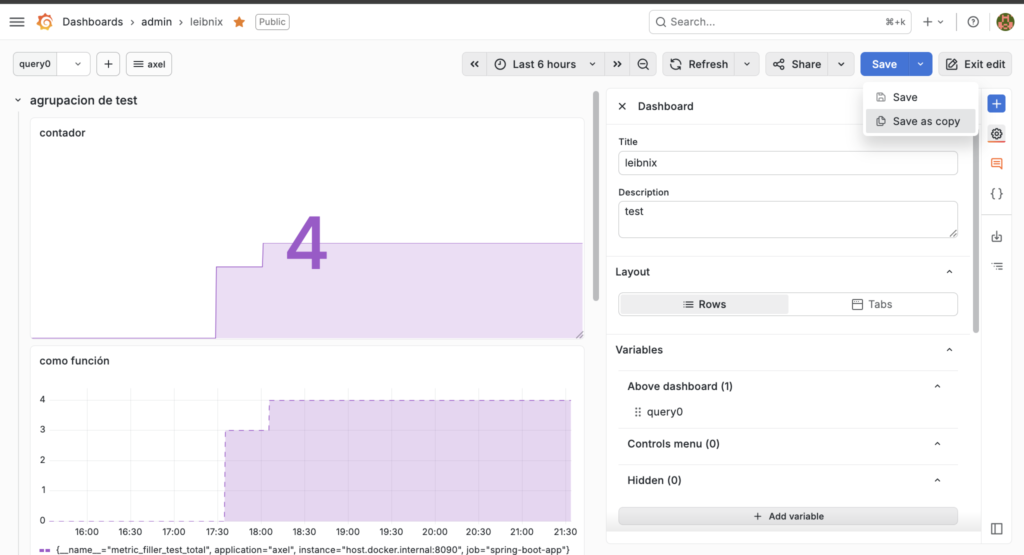
I have two folders, “client” and “admin,” and a dashboard called “leibnix” that’s in the admin folder. Leibnix is a metrics database that would be shared by both client and admin, but it’s only in the admin folder. I’d like to copy the dashboard and put it in the client folder so I don’t have to type everything manually
You must click on “save as copy” to copy the dashboard:
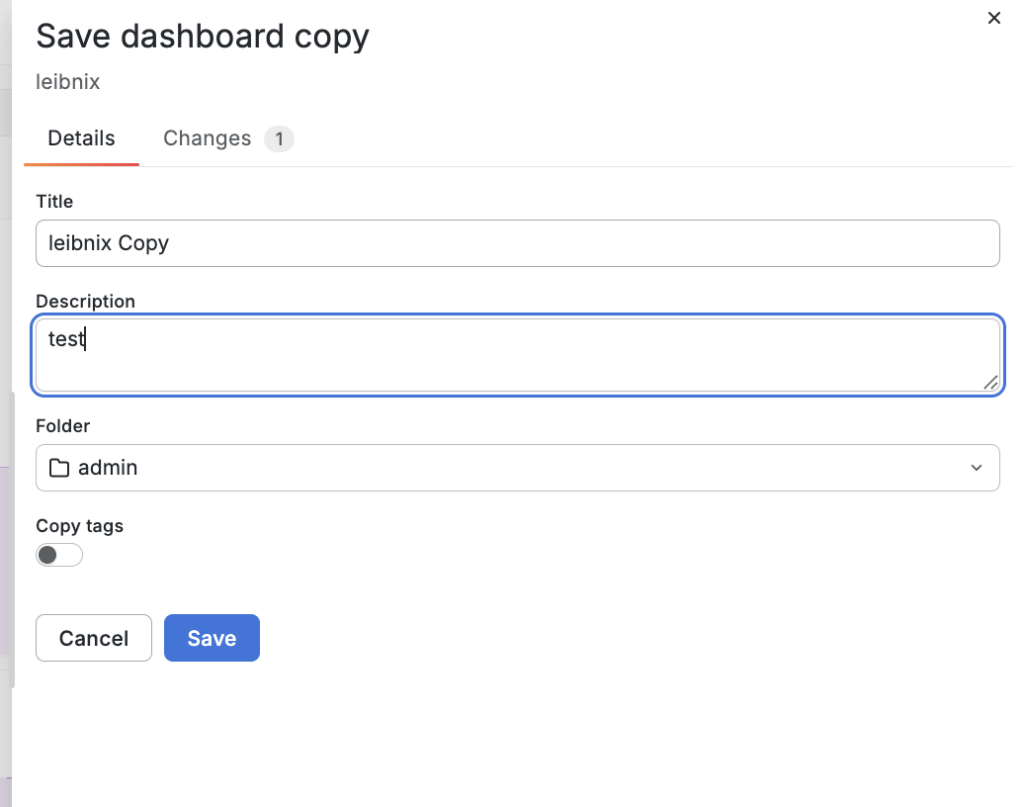
choose the folder:
you can change the data:
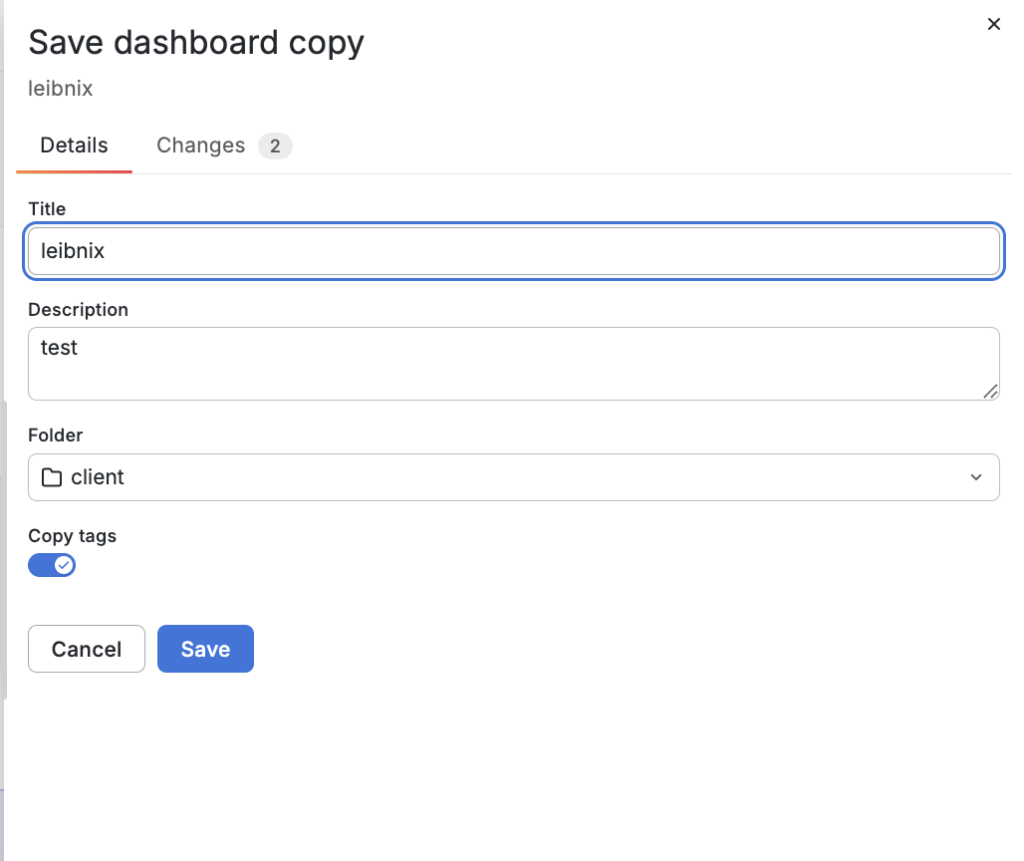
Then you can see the copied dashboard in the folders: