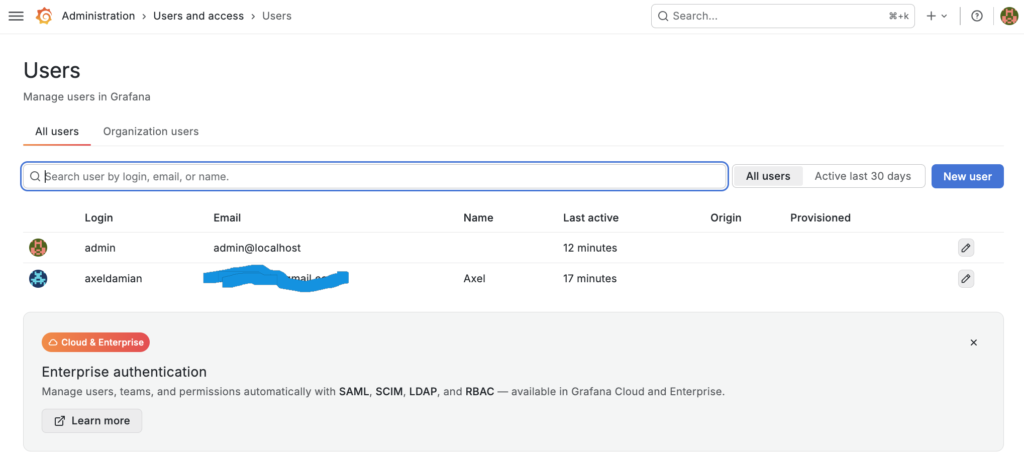
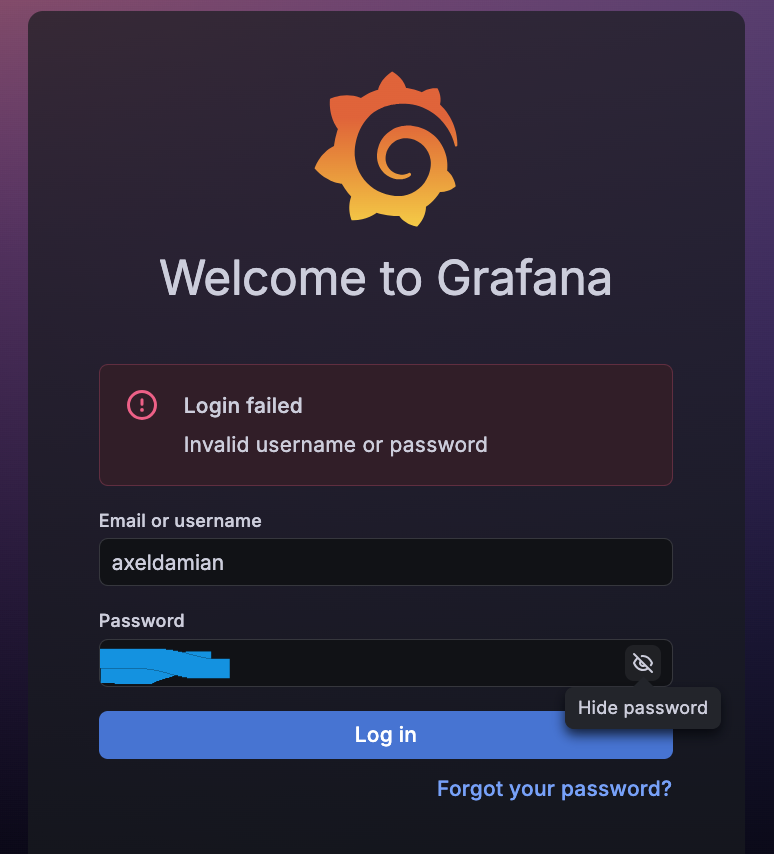
Caution: Do not use spaces, or that will be part of the username and it won’t be recognized.
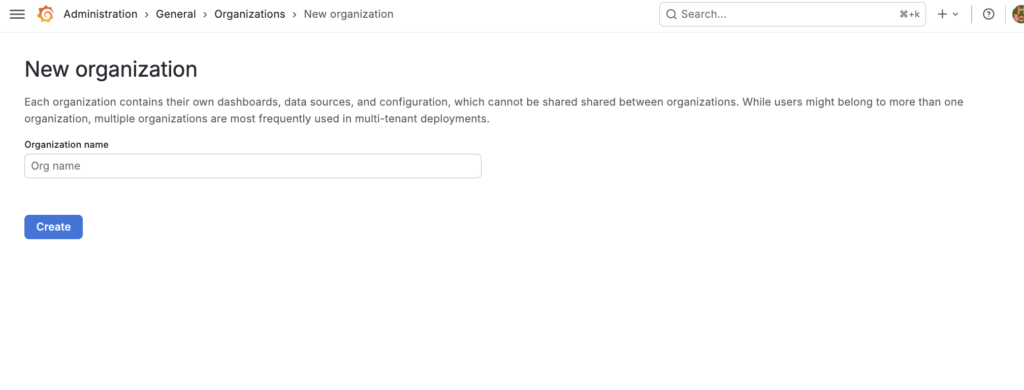
create a organization:
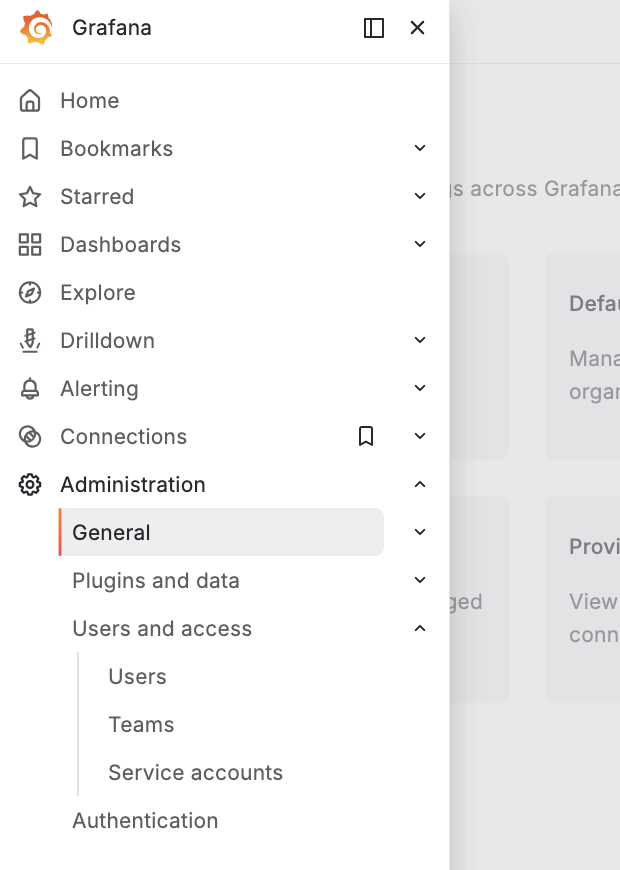
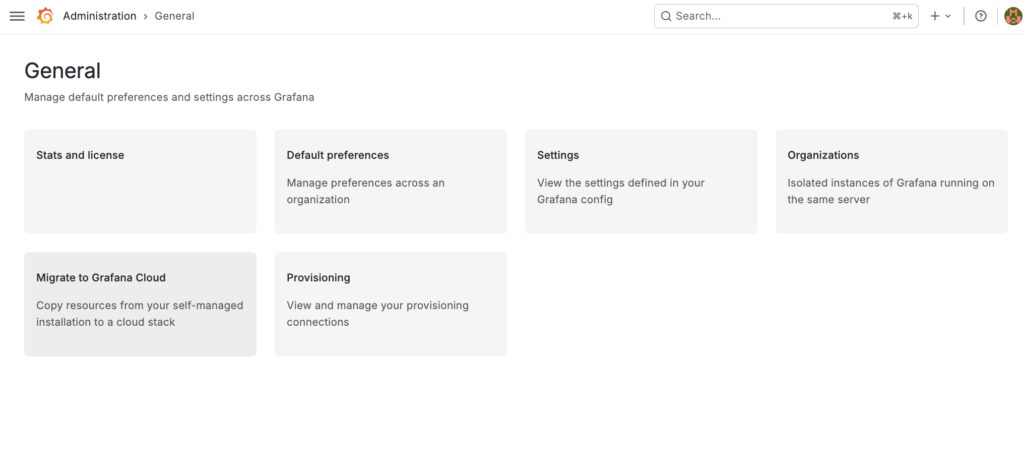
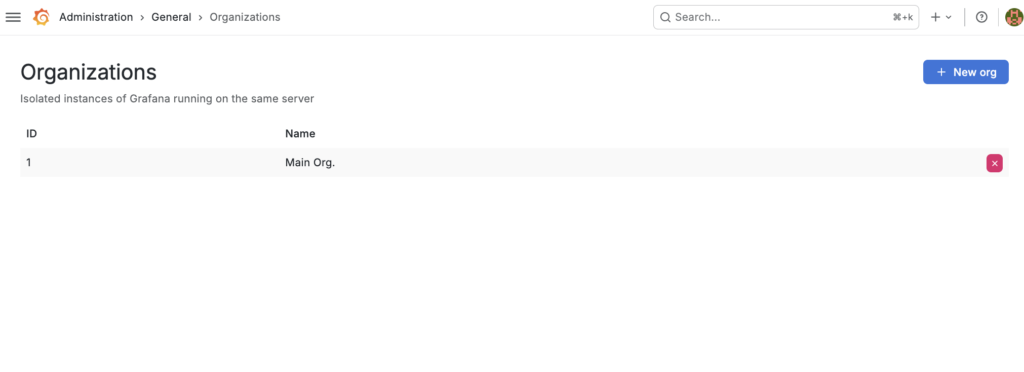
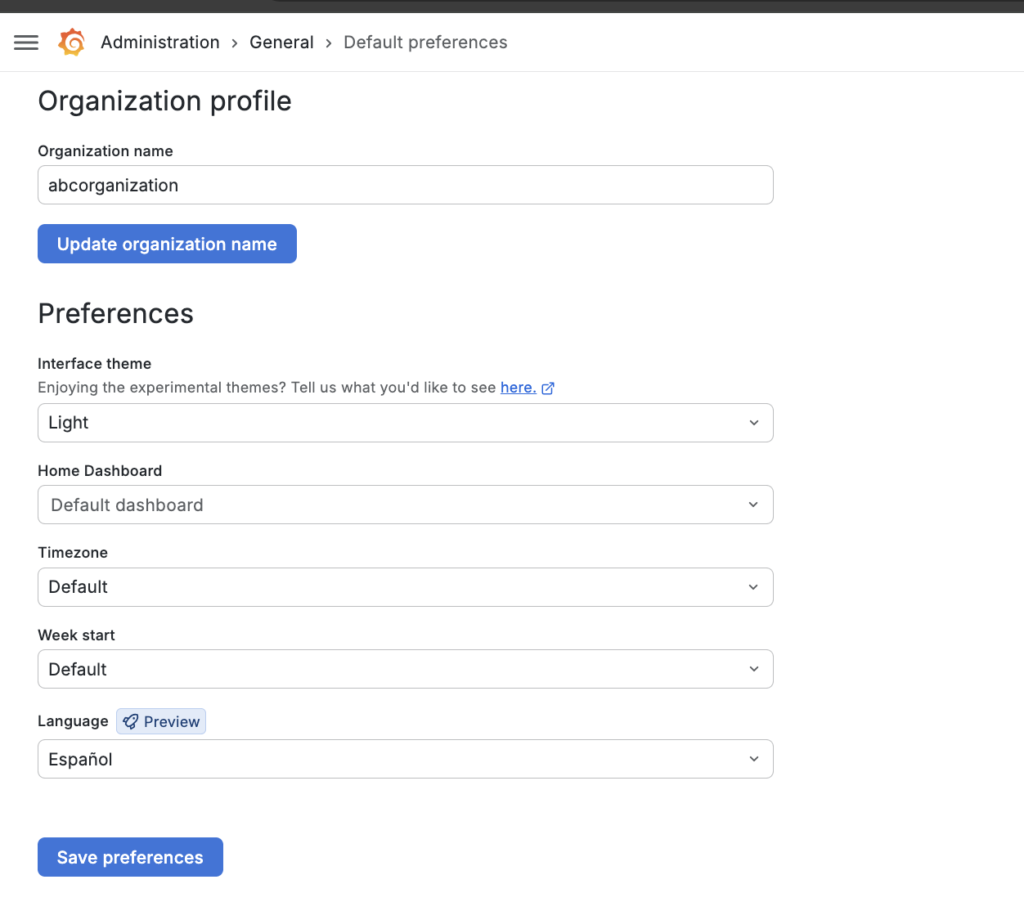
configure the organization (viewer rol for example):
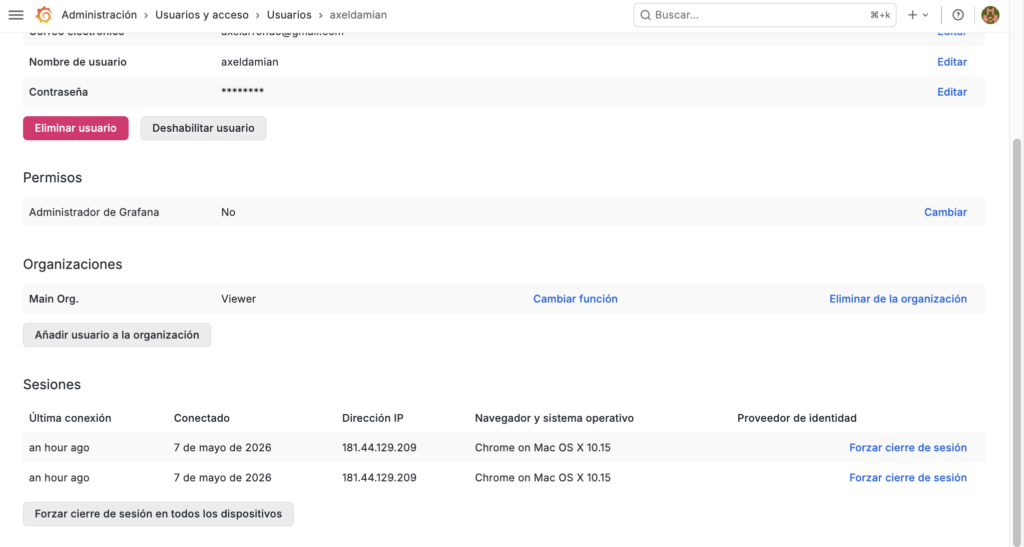
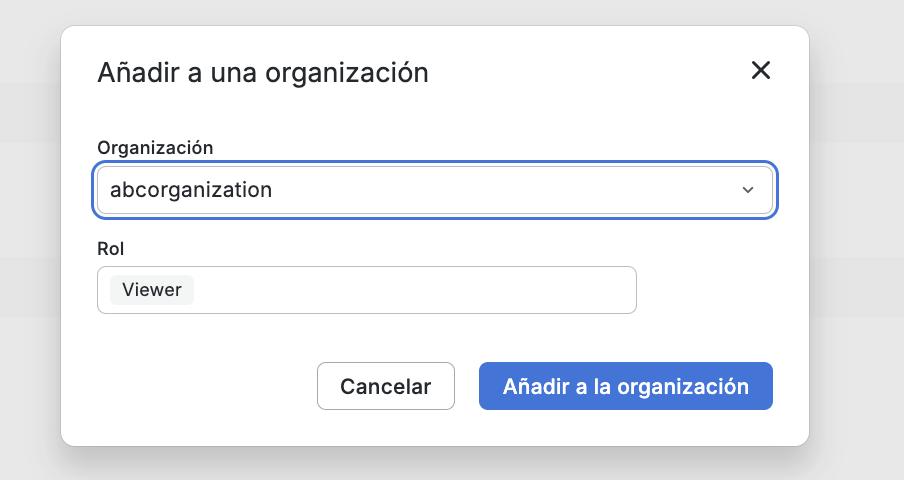
Assign the user to an organization:
role (by folder that contain dashboards)
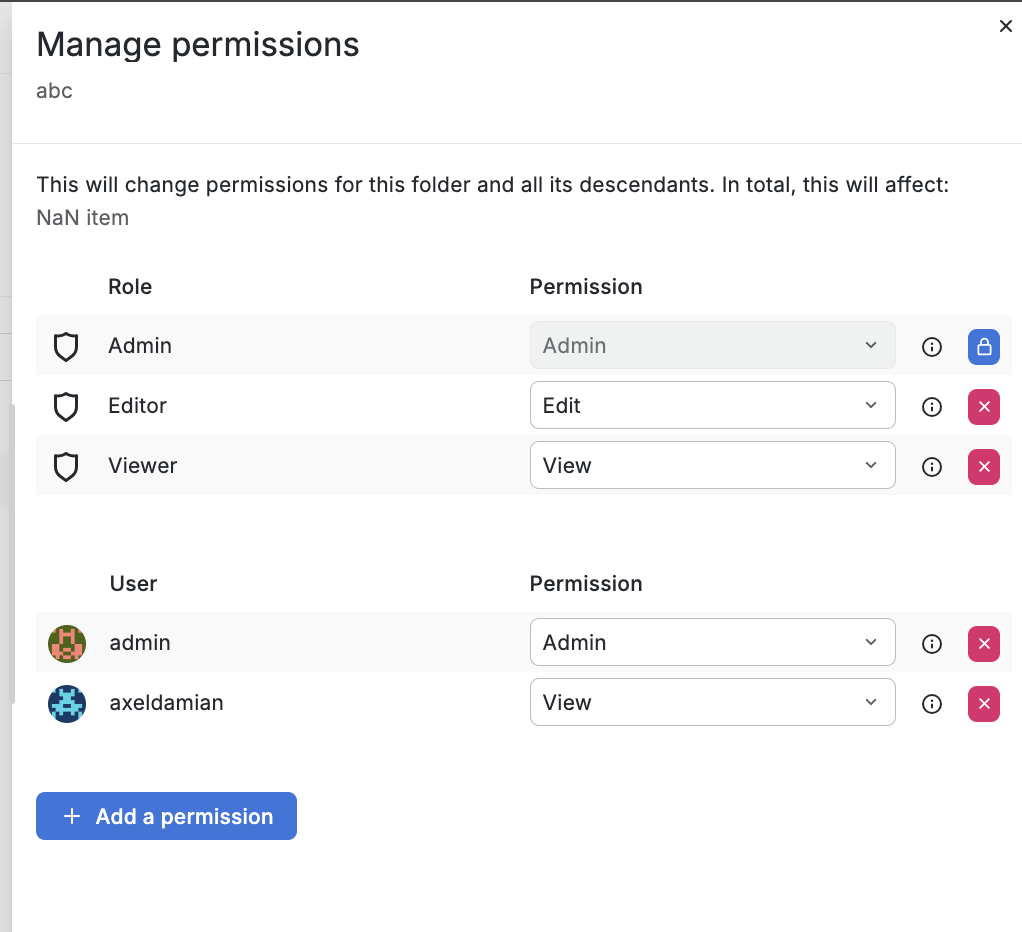
Those dashboards in a folder will have a role (viewer, edit) for a user
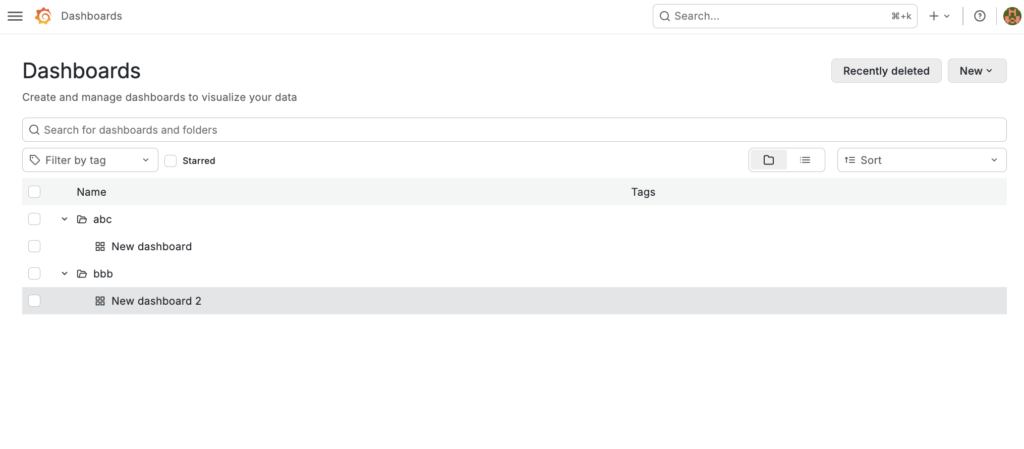
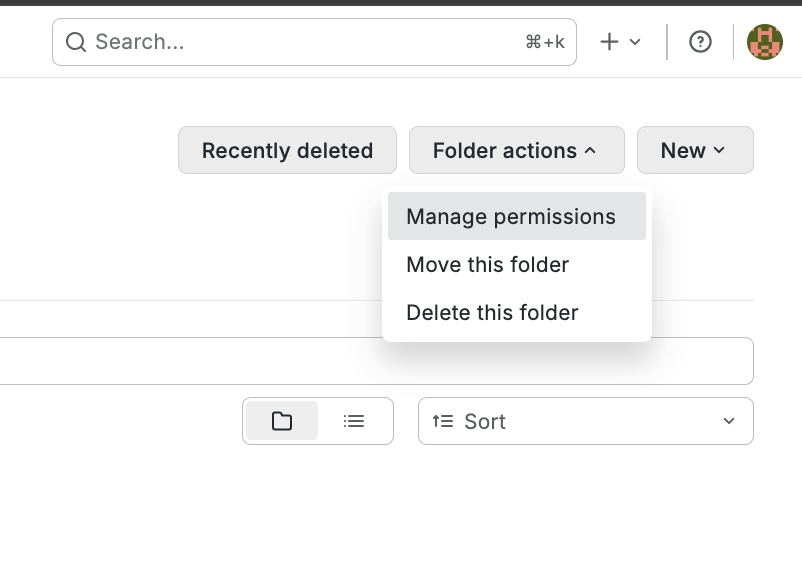
You must click on the folder and at the top you will see: “folder actions”
If you want to prevent a user from accessing a folder, their username should not appear there (they should not have any role there)
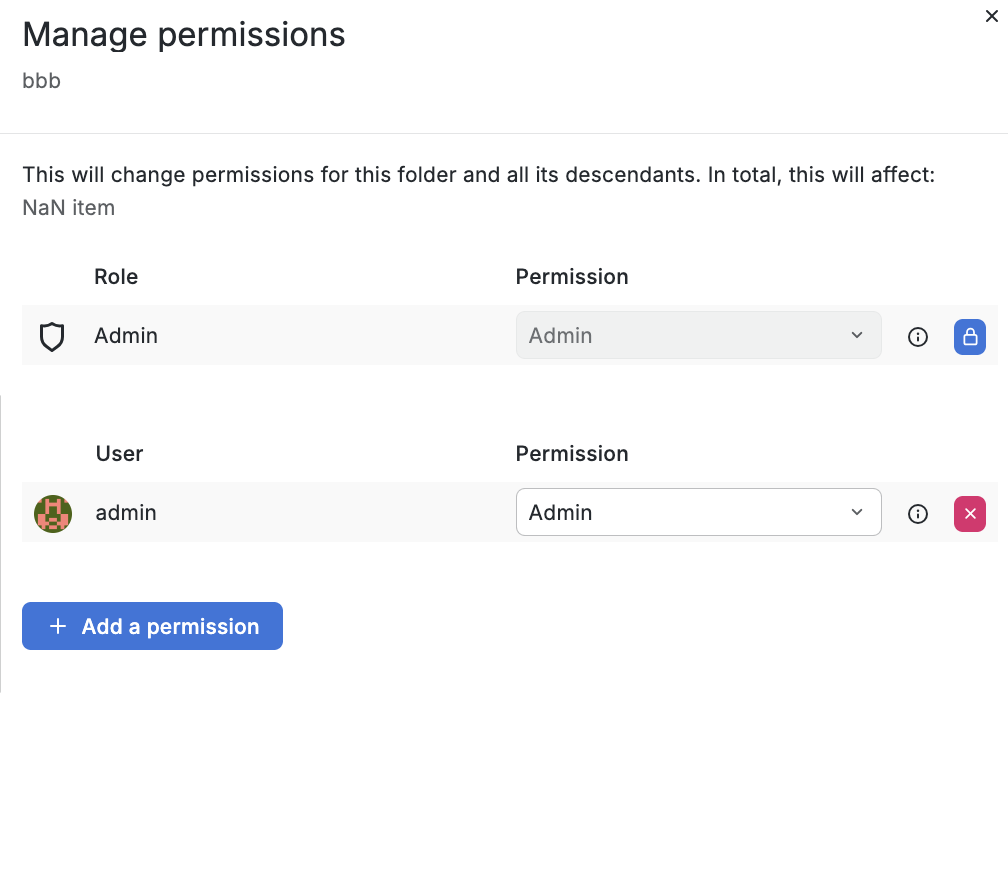
To see the changes for a specific user, you must log out and log back in: