
I’m doing this because my Ubuntu server got corrupted after a week without internet
Not only does it not recognize basic commands, but it’s difficult to type them, and after a while everything crashes
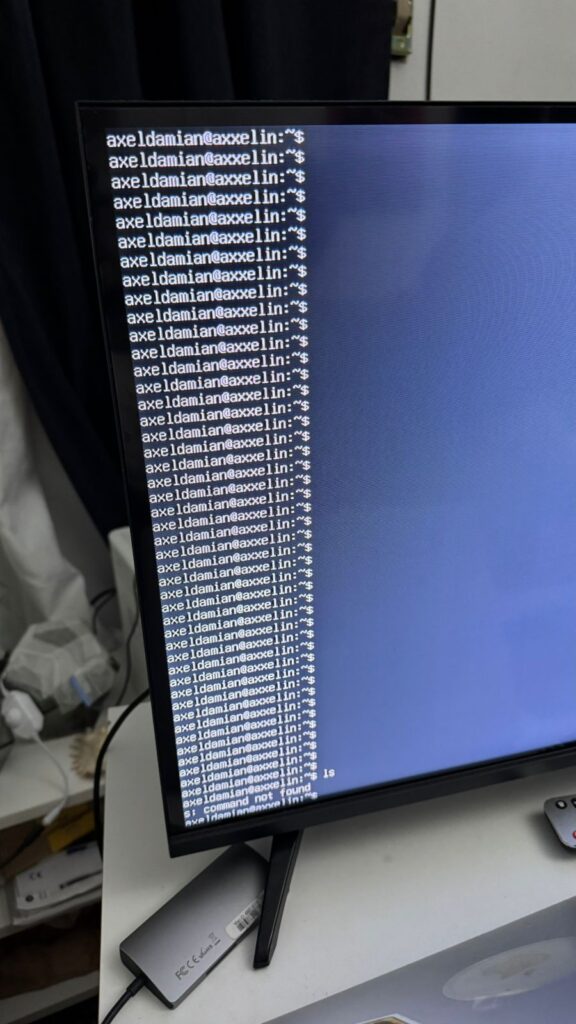
I have a PC with Linux Ubuntu Server and a Mac with macOS. I want to download Linux Ubuntu Server on macOS, put it on a USB flash drive, and install it from the same USB flash drive on the PC.
It is very important that, in addition to putting the .iso file on the USB flash drive, you make it bootable.
Let’s begin:
download in link:
https://ubuntu.com/download/server
You will download an .iso file
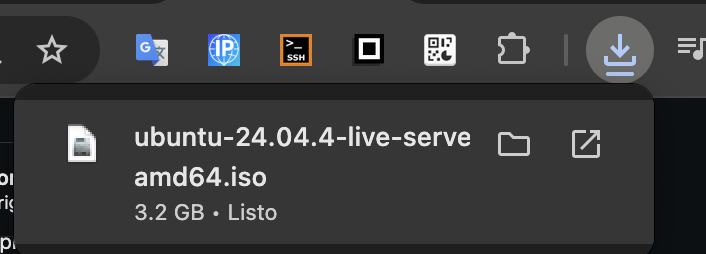
Then you need to put the .iso file on a USB flash drive
The USB drive is placed in a device called a satechi, which in turn connects to the Mac (this is so that macOS recognizes the USB drive)
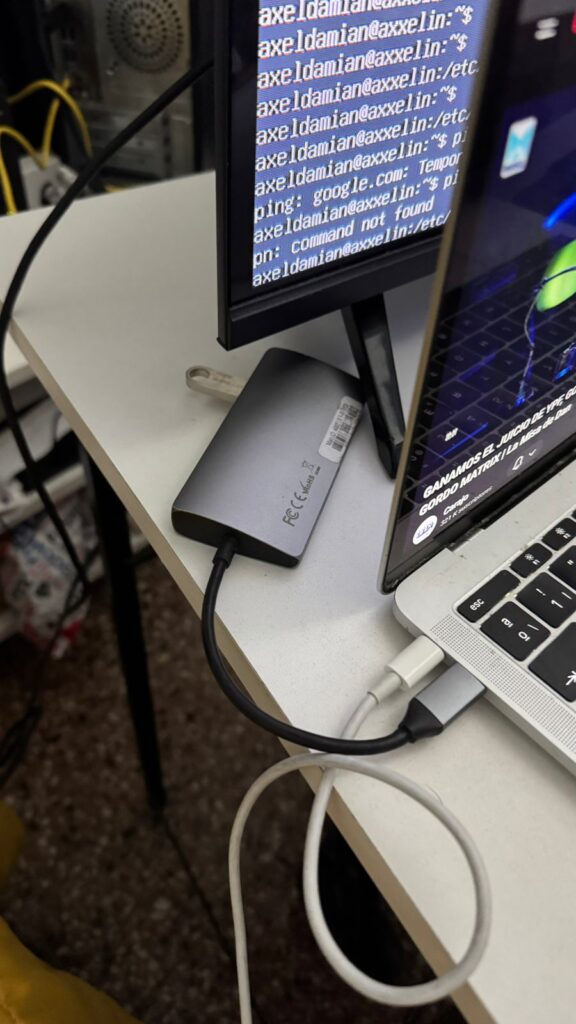
and make the USB flash drive bootable (meaning that the PC without an operating system recognizes it and boots it)
In Windows, you make the USB drive bootable with a program called Rufus.
In Rufus, select the .iso file and make the USB drive bootable.
a Rufus video:
I’m on macOS, I can’t install Rufus
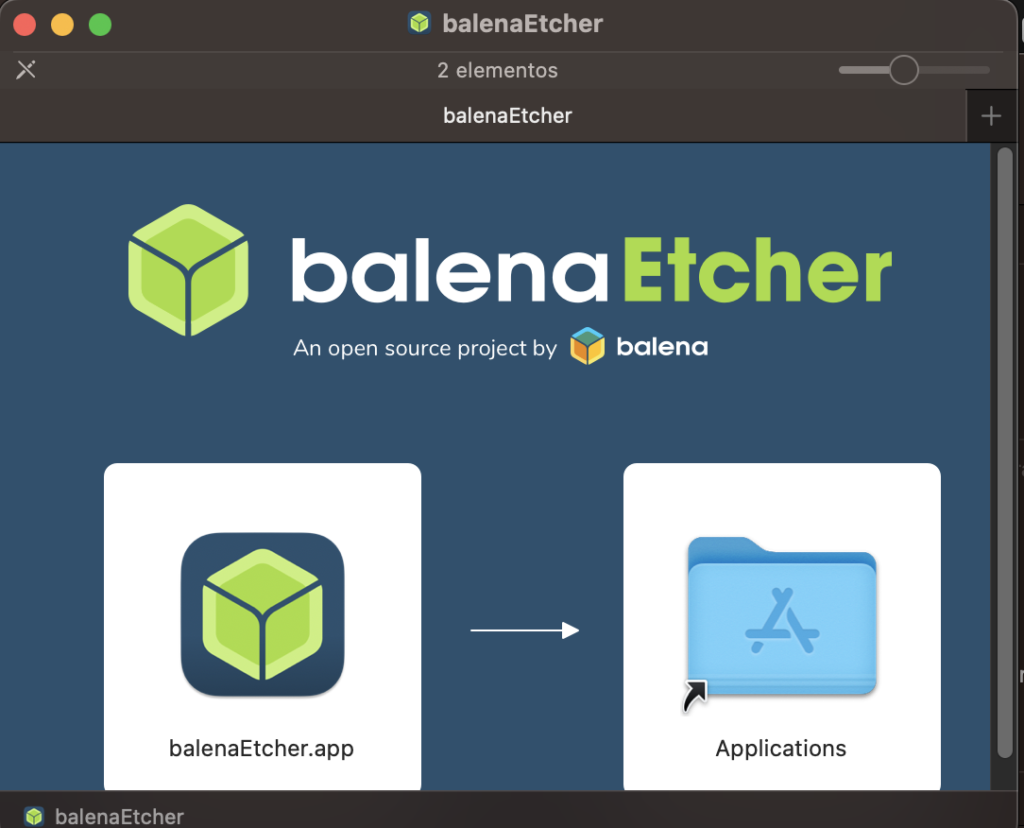
Try installing Balena Etcher (on macos)
BalenaEtcher (The easiest and most visual)
It’s the “foolproof” option. It’s a free and very popular application.
Download it from
Connect the USB drive.
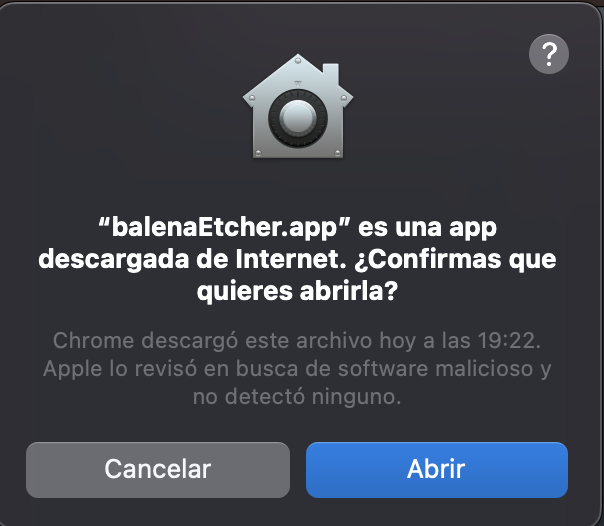
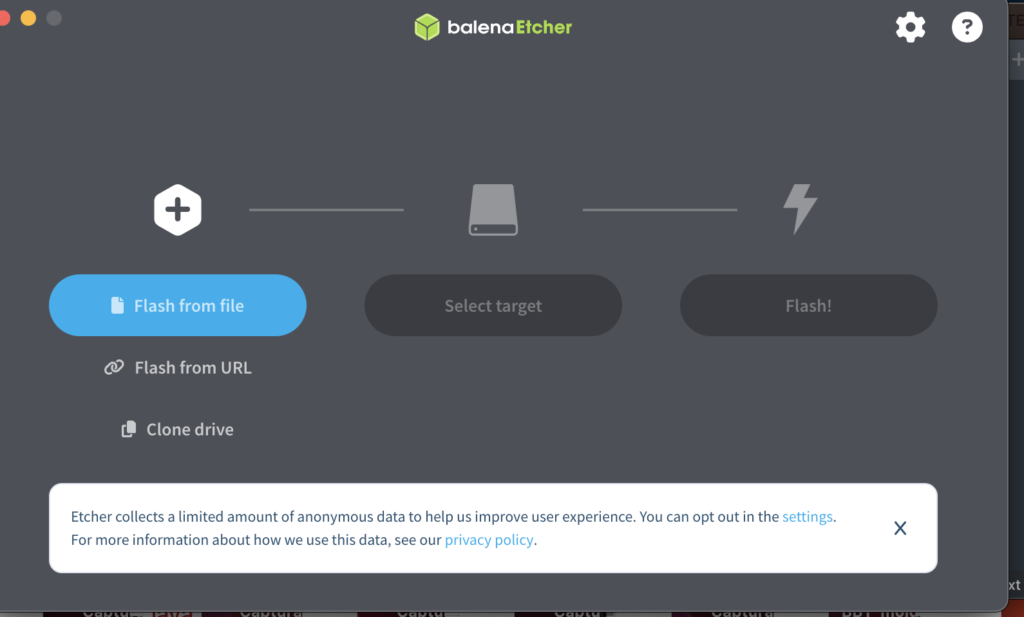
Choose “Flash from file” and select the file ubuntu-24.04.4-live-server-amd64.iso
Select your USB drive in “Select target”
Click “Flash!”. It will ask for your Mac password and that’s it
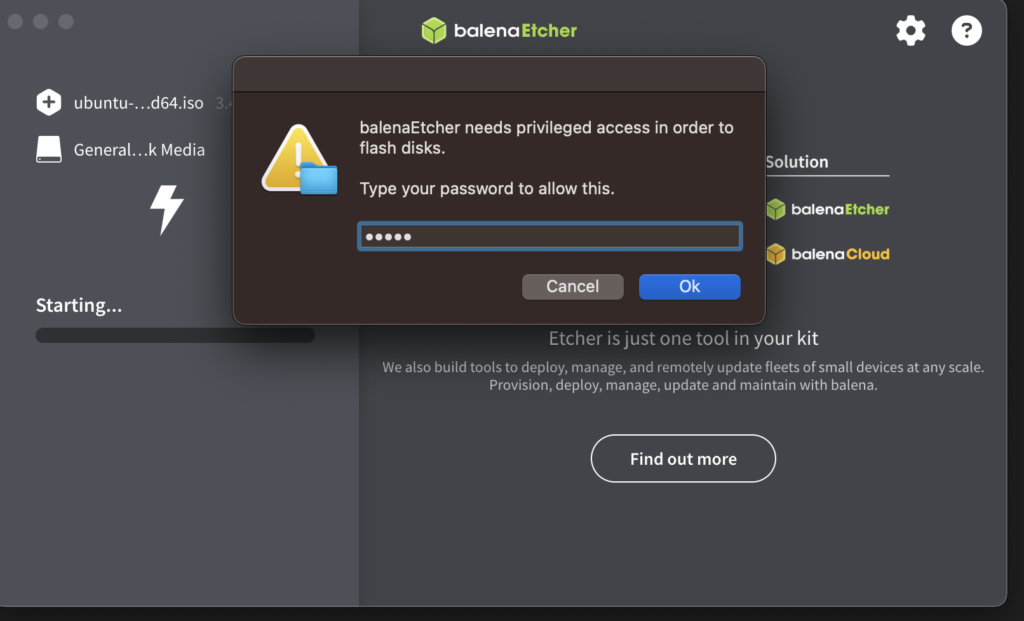
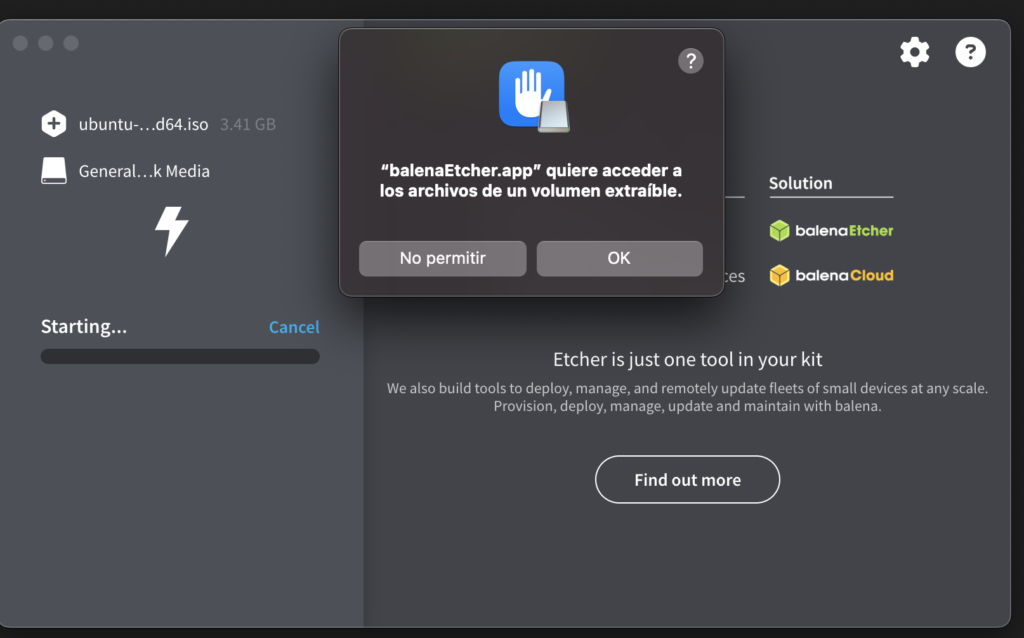
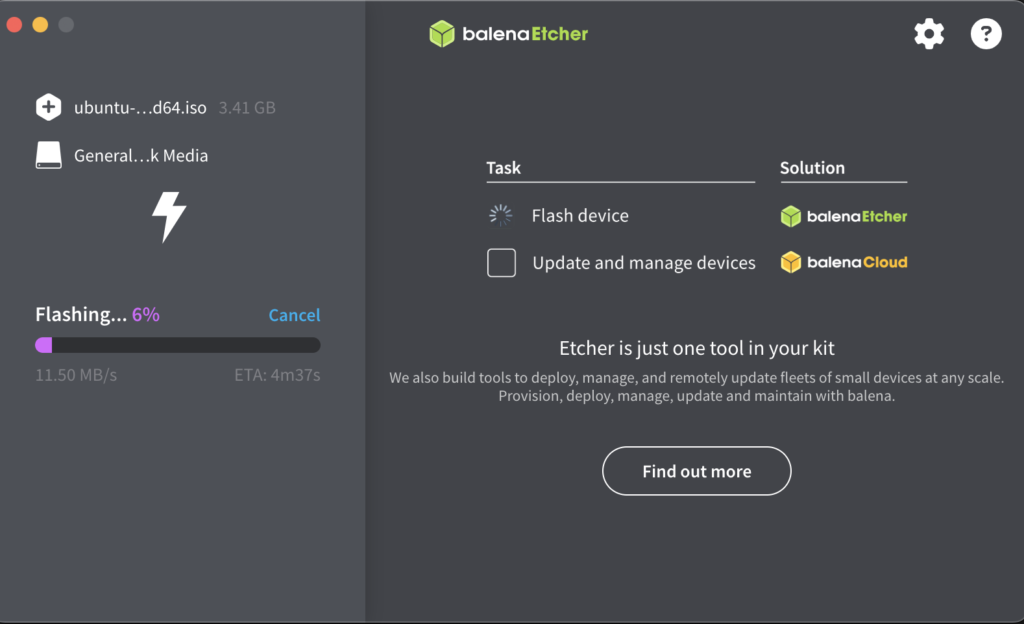
You will see the percentage % on the left
When finished, macOS will tell you: “The disk you inserted cannot be read by this computer.” Don’t click “Ignore” or “Eject” yet; just close the message. This is normal because macOS doesn’t understand Linux file formats, but the USB drive is now ready for the server
Disconnect the USB cable from the Satechi for the Mac and connect it to the PC to obtain Ubuntu Server
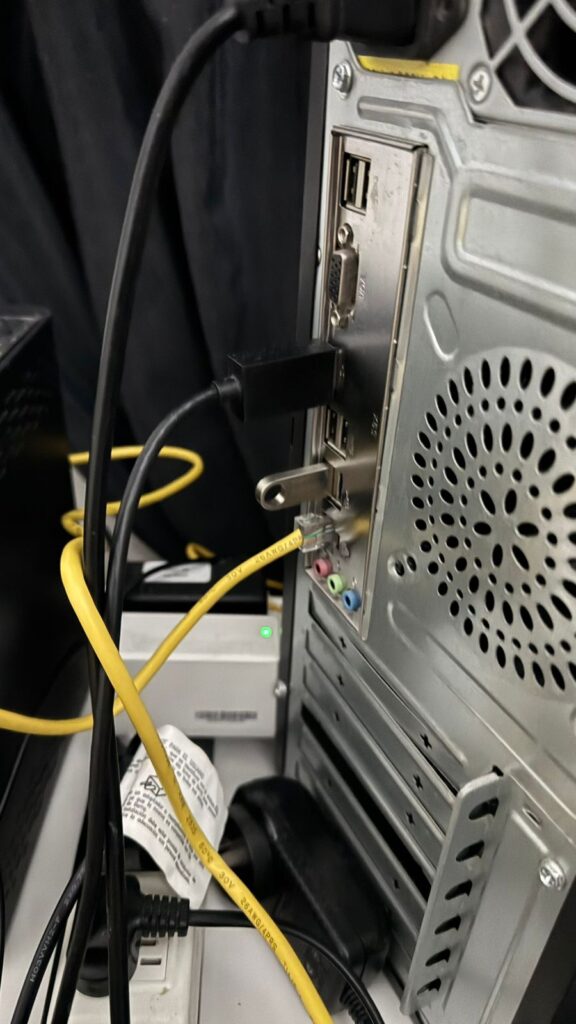
You must enter the BIOS using the DEL key
You must enter the boot section in the BIOS in the main BIOS menu
You must disable the operating system from booting from the hard drive
and enable it to boot from the USB flash drive
You click “save and restart” in the BIOS
The USB drive will automatically boot on the PC after restarting the PC; you don’t need to press any keys
Then it will boot from the USB and a list of options will be displayed
select “Try or install linux ubuntu server” (I want to reinstall it)
To get the operating system to start, I had to select the hard drive in the boot menu; the option wasn’t in the boot menu.
Then, upon startup, GRUB appears with the list of operating systems.