
I’ve used Docker multiple times in the past and I wasn’t very clear on how it worked.
The program’s image (drawing) is:

I have macOS and I’m connected to a Linux Ubuntu server via SSH
I wanted to install a video game server on a Linux Ubuntu server
The installation was done directly on the OS
The installation was giving me a long error log
I didn’t know if the errors were software (OS) or hardware (architecture, PC, the physical part)
It was due to compatibility issues
Docker allows you to download and run images (an image is the installation) (public and private) of the program, OS, and hardware (there are 3 layers) (each layer is a different image). You can get public images in various places, including Docker itself (the repository)
Installing a program on a specific OS and architecture using Docker eliminates compatibility issues, as the entire environment is identical to the one used by the developers and works seamlessly.
With Docker you can emulate program + DE + hardware; it’s all together and called an environment
the environment is isolated
With Docker you can create containers, environments go inside, and you can have several containers with completely different environments
I want to reinstall the video game server on Linux Ubuntu Server, but this time I’ll do it using Docker
In Docker I need to install 3 images: the program (game server), the Linux Ubuntu Server OS version, and the hardware or architecture that is compatible with Ubuntu Server
The program must be compatible with the OS version and the hardware
Has anyone already tested that the program works with these two images
Since someone has already tested it, there won’t be any compatibility issues
So, Docker is for doing Web 2.0 installations
Once you understand how Docker works, you’ll want to do all your installations with Docker
Docker is very useful in a work team
Let’s assume there are 5 people in a work team
Each of the 5 people has different hardware (PC, notebook, mac)
If out of the 4 people, 2 have the same OS (macOS, Windows, Linux), they have different versions (xp, 7, vista) or distributions (ubuntu, opensuse, debian) (in the case of Linux)
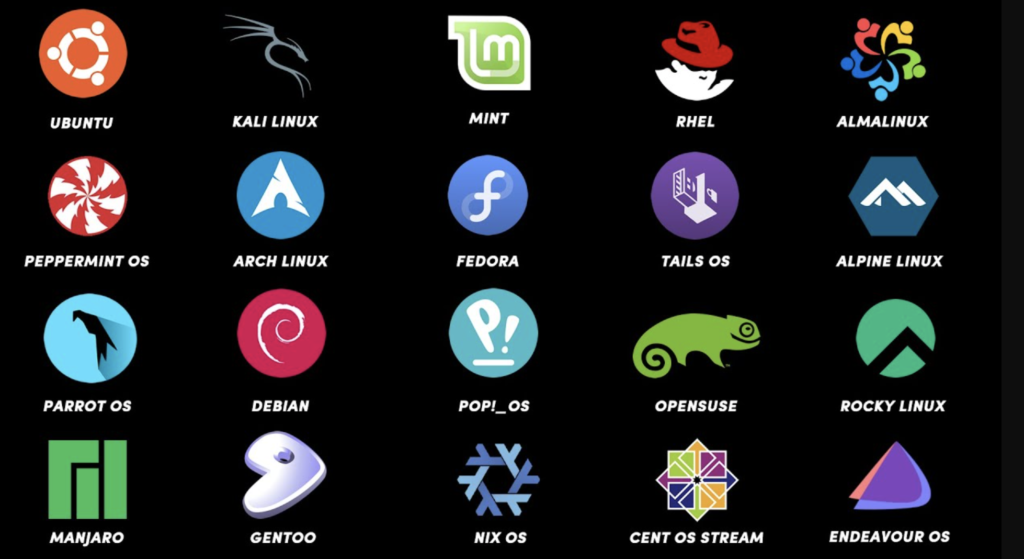
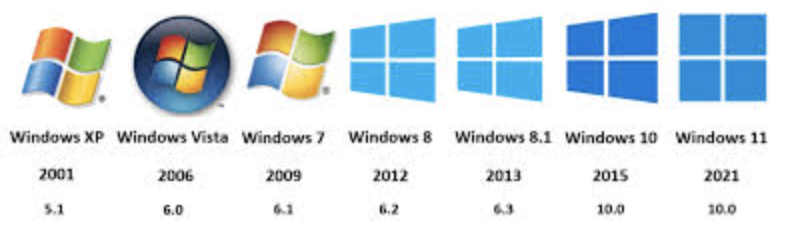

Together they work with Git and upload the source code (not the executable) to a repository like GitHub or GitLab
The code will run on a Linux Ubuntu server, and the hardware will run on a server
(meaning the executable will not run on any of the 5 computers but on the server)
So each computer has to use the server to run tests? NO
Each computer uses Docker to emulate the server exactly as it is (OS and hardware)
Perhaps each computer cannot even run an executable of the source code it is programming
Not directly on your computer, but indirectly and with Docker
Each computer will need 3 images: the application, OS, and the hardware
You can get the OS and hardware images from the official Docker repository
The application image must be created by each programmer
You need to create a container in Docker and put the 3 images in it
It’s like having a jar (container) and putting 3 ingredients in it (3 images, app, OS and hardware)
This will create the same environment on 5 different computers
The application works the same on all 5 computers and will fail at the same points (you can find the same error in the same way on all 5 computers)
install docker on ubuntu server
sudo apt-get updatesudo apt-get install ca-certificates curl gnupgsudo install -m 0755 -d /etc/apt/keyringscurl -fsSL https://download.docker.com/linux/ubuntu/gpg | sudo gpg --dearmor -o /etc/apt/keyrings/docker.gpgsudo chmod a+r /etc/apt/keyrings/docker.gpgecho "deb [arch=$(dpkg --print-architecture) signed-by=/etc/apt/keyrings/docker.gpg] https://download.docker.com/linux/ubuntu \ $(. /etc/os-release && echo "$VERSION_CODENAME") stable" | sudo tee /etc/apt/sources.list.d/docker.list > /dev/nullsudo apt-get updatesudo apt-get install docker-ce docker-ce-cli containerd.io docker-buildx-plugin docker-compose-pluginsudo usermod -aG docker $USERdocker compose versiondocker run hello-worldnewgrp dockerThe command above is a temporary “patch” to apply group permissions in the current session without logging out. It’s fine to use it for a quick “hello-world” test, but for the change to take effect across all your processes and the server, you’ll need to log out and log back in (exit and log back in)