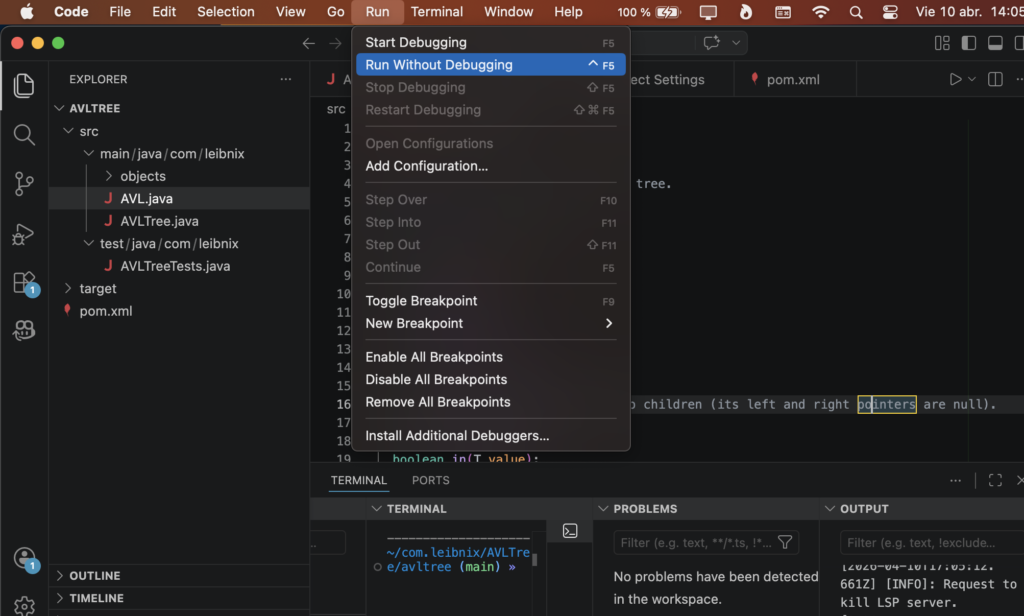
- The programs used for programming are called IDEs
- For example: Do you have an IDE for Java on Linux/Ubuntu?
- An IDE: Integrated Development Environment
- It is a computer application that provides a complete set of tools for programmers to develop software efficiently in one place
- Project management: Allows you to organize multiple files, libraries, and resources that make up a complex application
- It alerts you if a semicolon is missing or if a variable does not exist before you try to run the program
- It allows you to change the name of a function or class throughout the entire project safely and automatically
- It is usually connected to version control systems (such as Git) and command terminals
You need to know the difference between an IDE and a text editor:
- Both highlight the syntax, the keywords of the code
- An advanced text editor has a file explorer; an IDE is obligatory
- The IDE is much heavier than a text editor, which is lightweight
Sometimes I modify one or two values in a file and save it; to do that I’m not going to open an IDE, I open a text editor
If you want to test your code in real time, line by line, you must debug the code.
You can’t run your code in a text editor, but you can in an IDE (you almost always have to configure it and you can run multiple programming languages)
I’m on macOS (very similar to Linux/Ubuntu), which is Apple’s operating system, and I almost always program in Java (sometimes in C, Python, and Go) and use Visual Studio Code for all of them.
- Notepad in Windows is a text editor
- Vim, vi is a console-based text editor for Linux
- InteliJ IDEA is for macos for jaba, golang, etc… (is paid)
- WebStorm is paid is property of inteliJ IDEA, is for javascript
- Linux is a group or family of operating systems; each variation is called a distribution or distro, and those are operating systems
- Linux is like a puzzle; you have to choose each piece
- macOS and Windows don’t have distributions; they’re not a group of operating systems, they’re a single system
- macOS and Windows don’t let you choose your components; everything comes pre-selected
- A Linux distribution can be Linux/Ubuntu or Linux/Debian; there are many
- The good thing about Linux is that you choose its components, but if they are unknown components, there may be incompatibility between them and everything breaks
- A good friend of a programmer is the console, terminal, tty, or shell (that black screen where you type commands), I’d rather not have an IDE cable, but don’t take away my console.
- To begin, I would start with Sublime Text 2 or Atom (both are text editors) or Visual Studio Code (IDE).
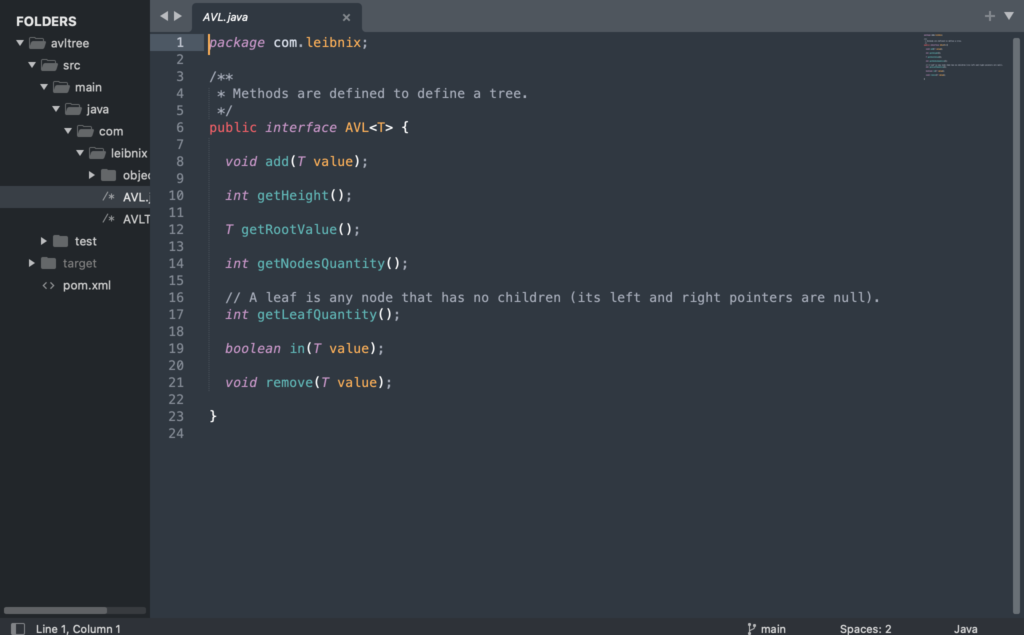
sublime text 2 (text editor):
visual studio code (IDE):
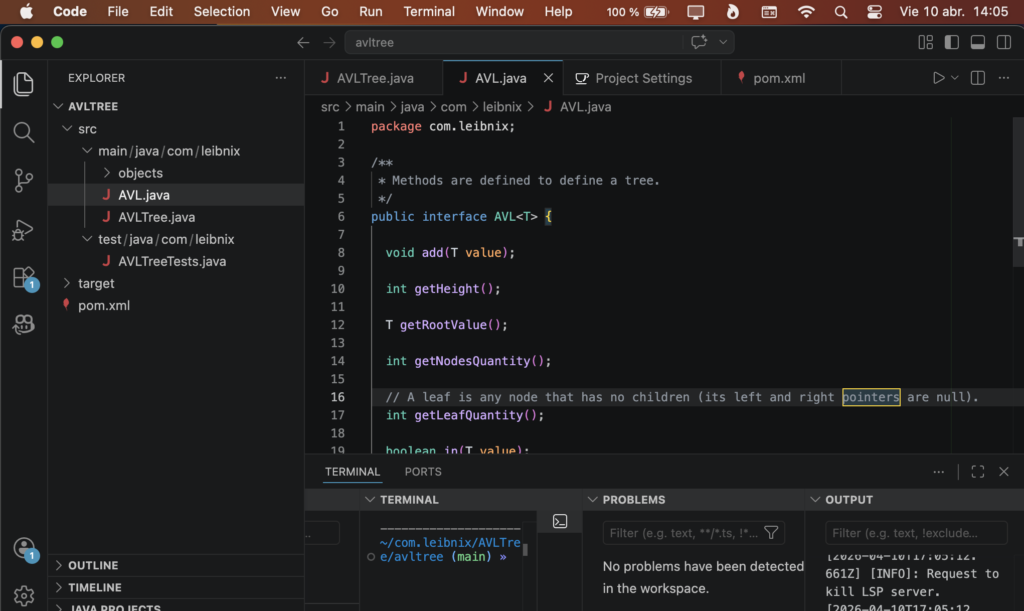
debbuger
Debugger: An essential tool for finding bugs, allowing you to run the program step by step to observe how the variables change.
In debug mode you set pause points where you want to see the state of things (their values)
Then you press “play” in debugging mode and the program will start
The program will pause at the breakpoints, and you press next to continue with the program and pause at the next breakpoint
debbuging in visual studio code: