run the command:
npm init -ythe content of bot.js is:
const { Client, GatewayIntentBits } = require('discord.js');

// Creamos la instancia del cliente con los permisos (intents) necesarios
const client = new Client({
    intents: [
        GatewayIntentBits.Guilds,
        GatewayIntentBits.GuildMessages,
        GatewayIntentBits.MessageContent,
        GatewayIntentBits.DirectMessages,
    ]
});

client.once('clientReady', () => {
    console.log(`✅ Bot conectado como: ${client.user.tag}`);
});

client.on('messageCreate', (message) => {

    // Evita que el bot se responda a sí mismo
    if (message.author.bot) return;

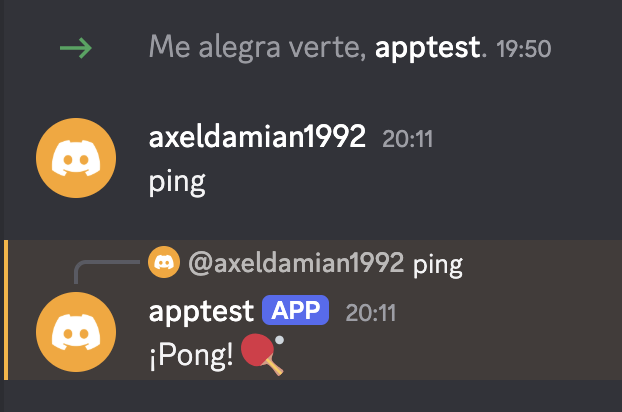
    if (message.content === 'ping') {
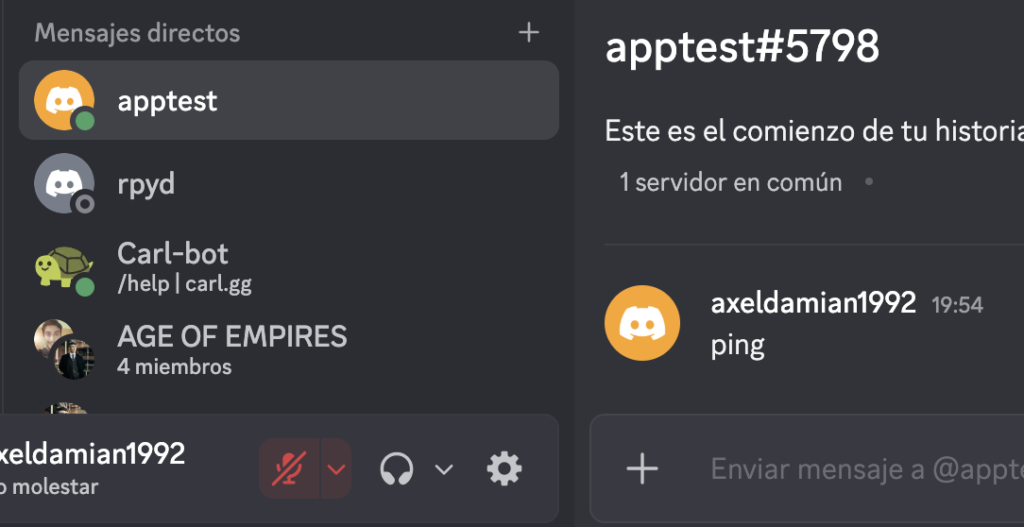
        console.log('hay un ping');
        message.reply('¡Pong! 🏓');
    }
});

// Reemplaza 'TU_TOKEN_AQUÍ' con el token de la pestaña "Bot" del Developer Portal
client.login('XXXX');
in XXXX paste your token
to run the script:
node bot.js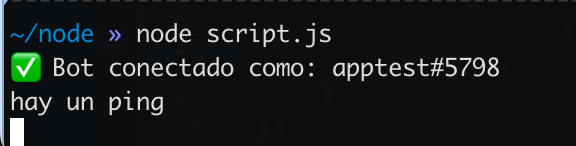
create a server discord
the discord server:
A Discord server is for you and your friends to connect and talk via text or voice.
create discord application (You must do this before obtaining your application’s bot token)
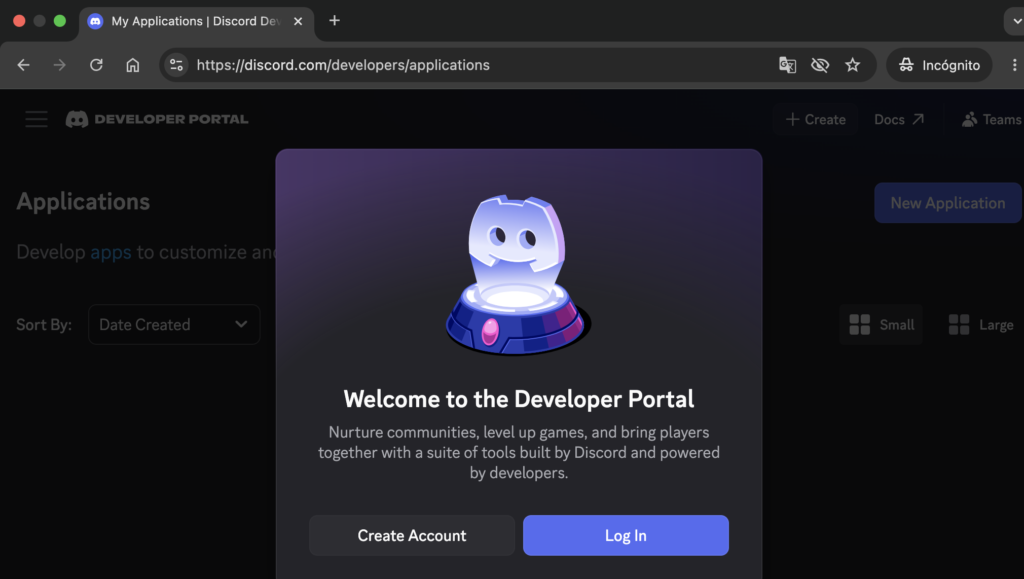
https://discord.com/developers/applications
“crear” button:
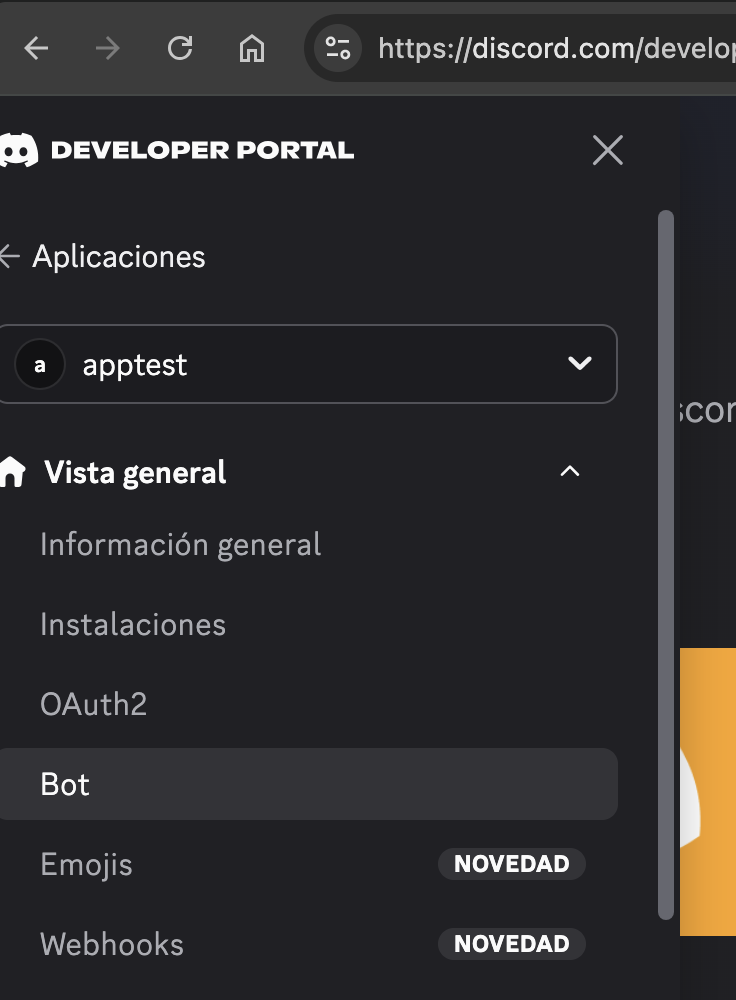
Then, within the created application, we look for the “bot” section.
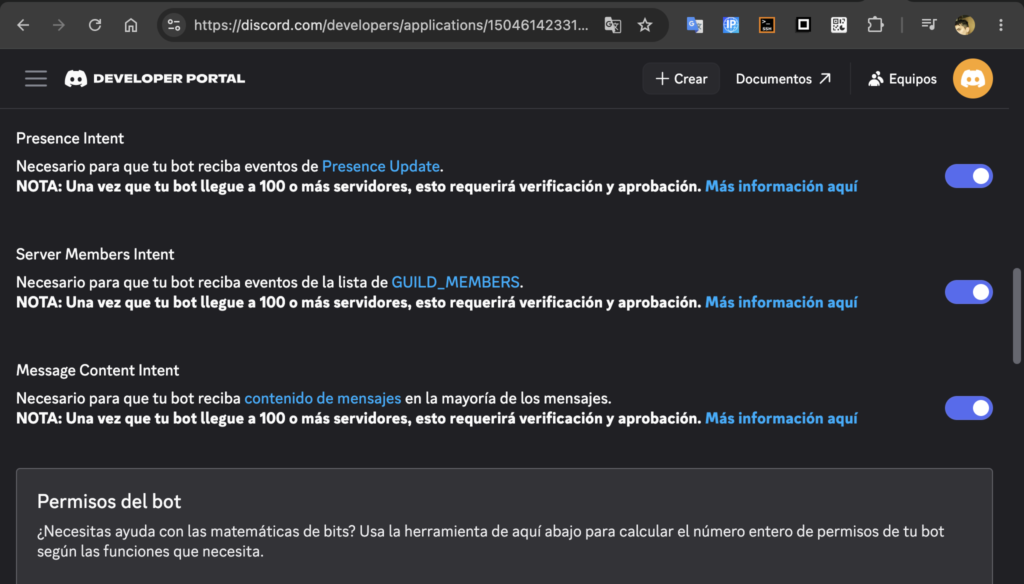
Within the bot, we select the following 3 options (these are intents):
And you have to click on reset token, copy it, and save it; that’s essential
You need to generate the invitation URL in the Discord Developer Portal
You need to configure the “Scopes” and the “Permissions”
(after of the section oauth2) the url manually:
https://discord.com/api/oauth2/authorize?client_id=TU_CLIENT_ID&permissions=8&scope=bot
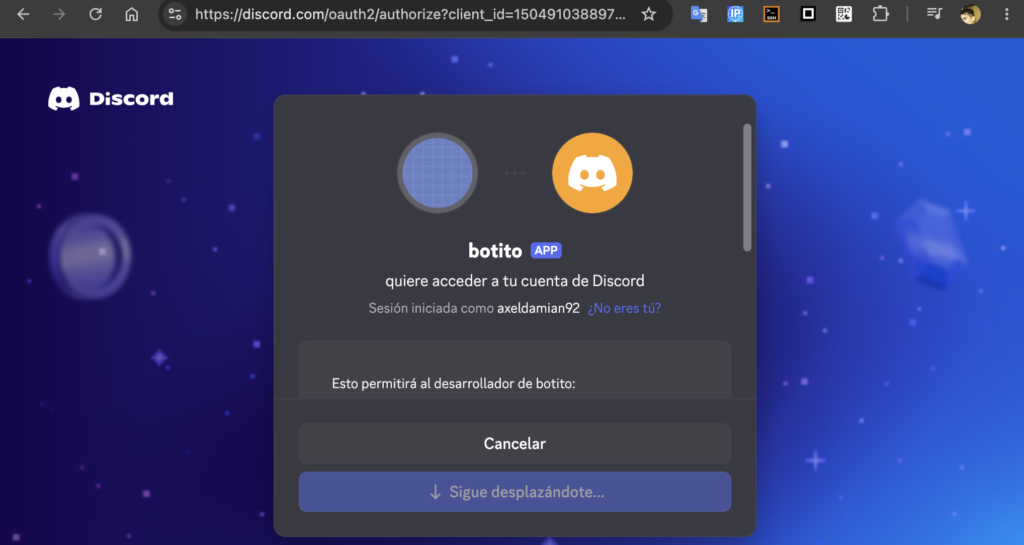
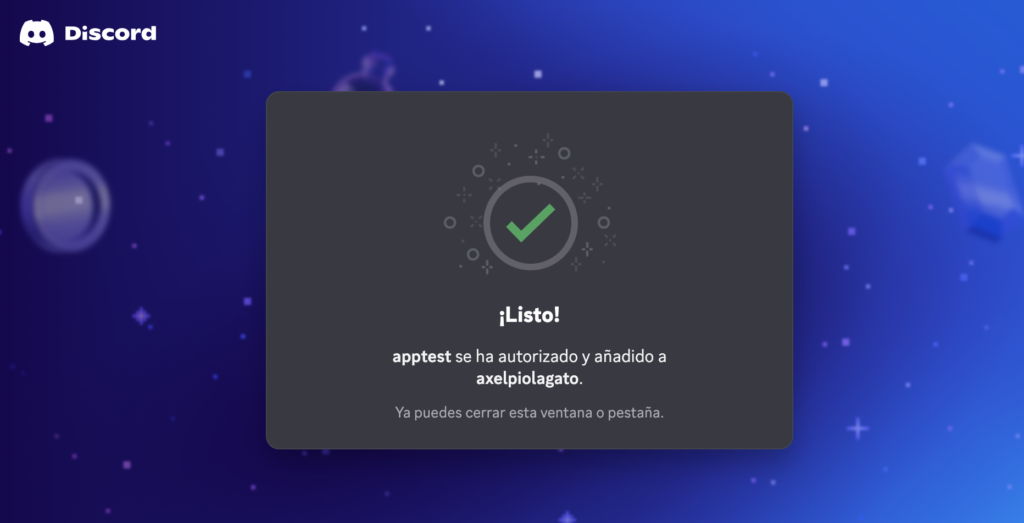
Copy and paste the URL into your browser
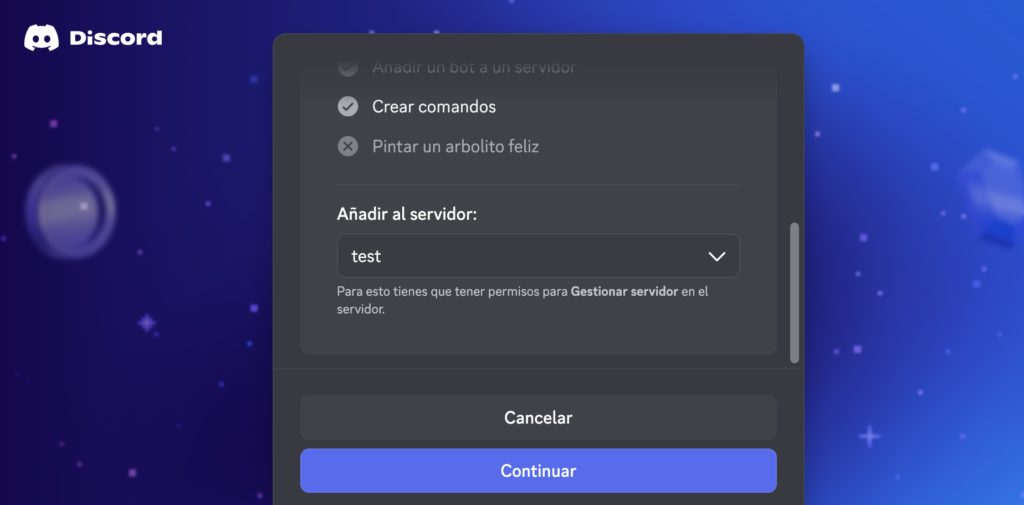
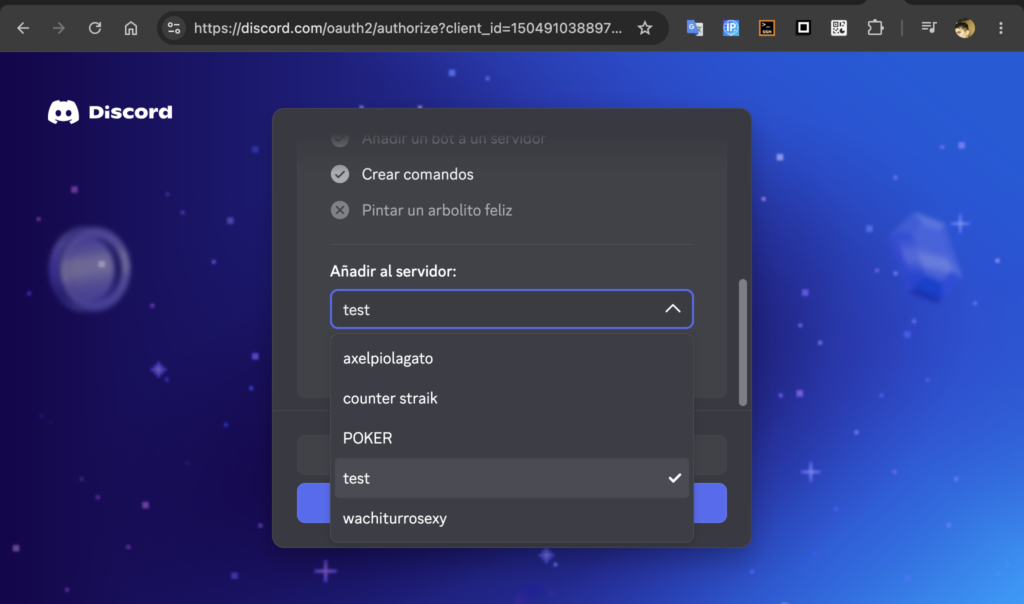
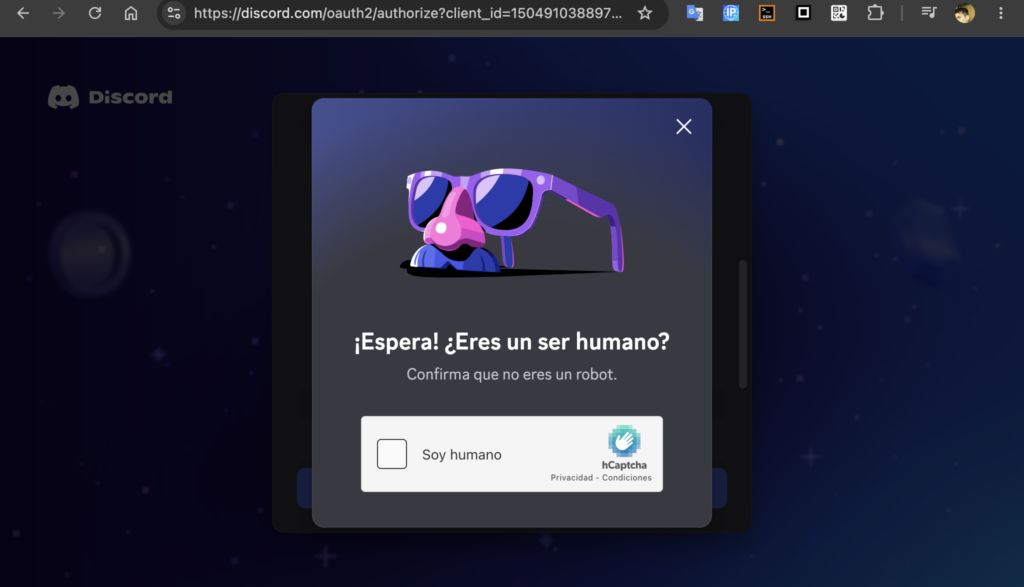
That URL will request access and permissions from a Discord server of your choice
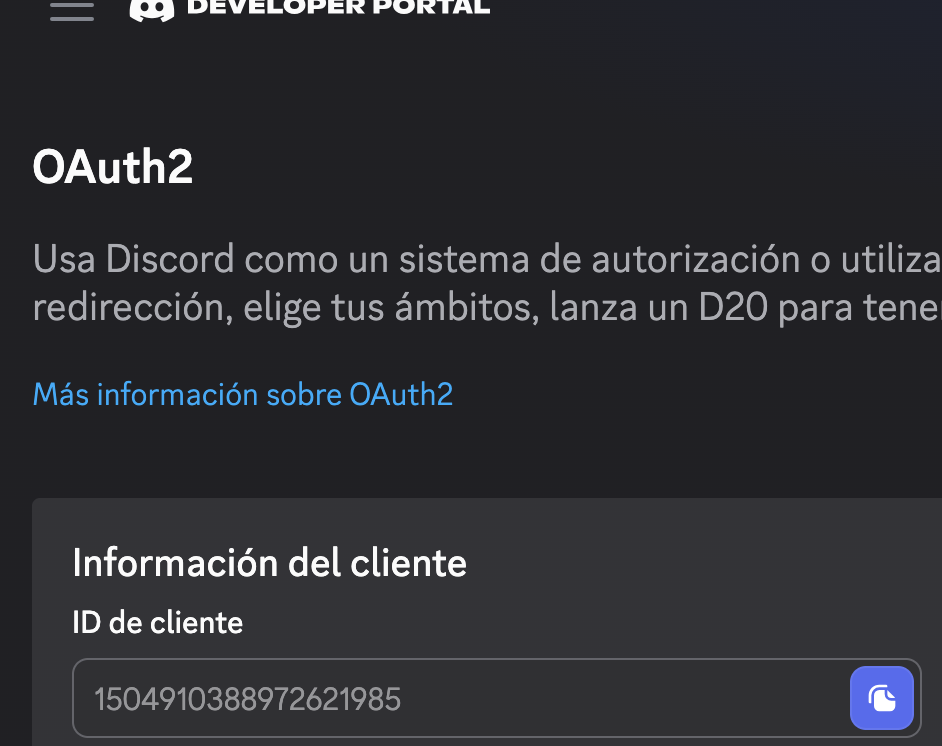
You can get the application ID here (in oath2 section):
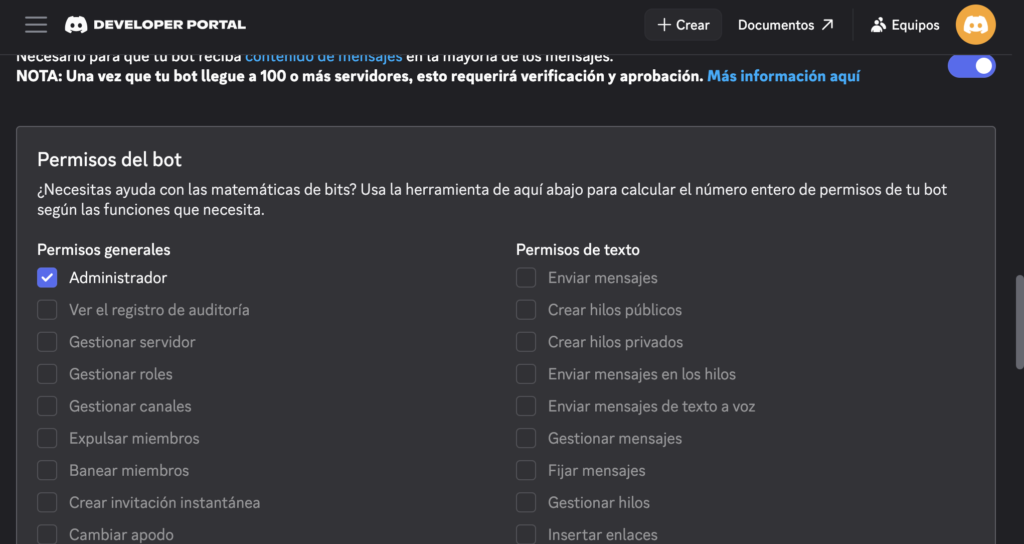
If it says “error authorizing permissions”:
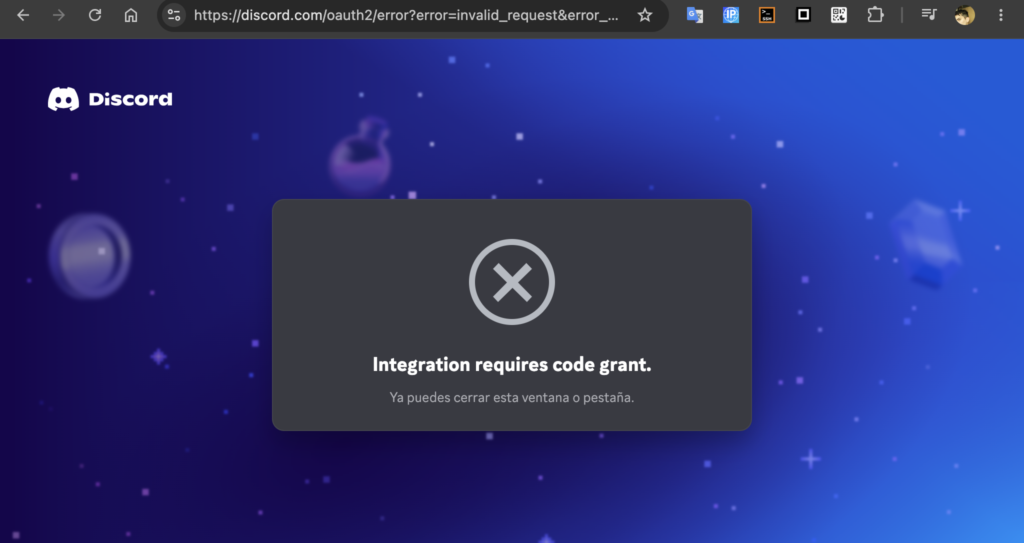
It’s because the bot’s permissions are incorrect; selecting “administrator” will fix it: