Create the Dockerfile in the root directory:
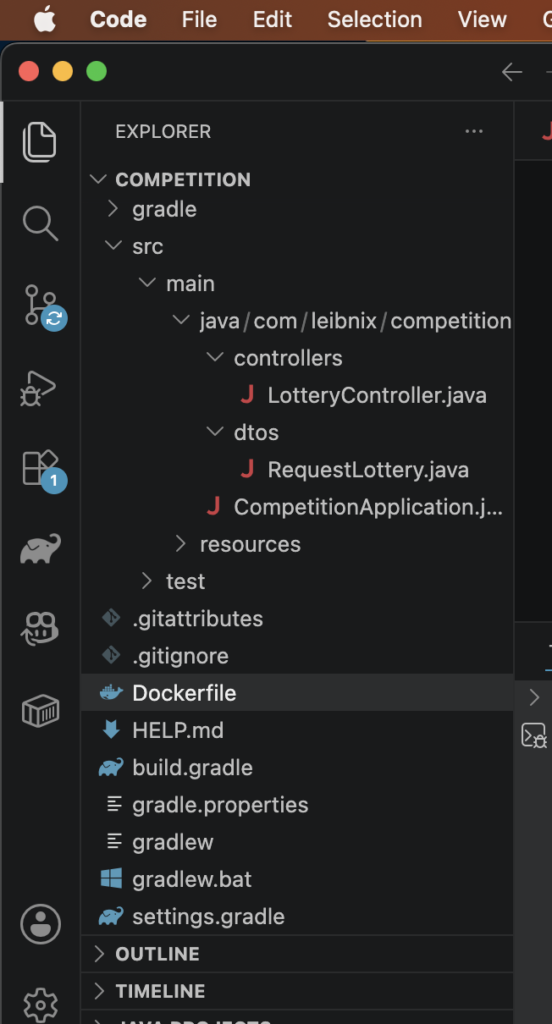
content:
# Usamos una imagen de Java ligera
FROM eclipse-temurin:21-jdk-alpine

# Directorio de trabajo dentro del contenedor
WORKDIR /app

# Copiamos el jar generado (asegúrate de que el nombre coincida)
COPY ./build/libs/competition-0.0.1.jar app.jar

# Exponemos el puerto de Spring Boot
EXPOSE 12000

# Comando para arrancar la app
ENTRYPOINT ["java", "-jar", "app.jar"]
Remember: Expose is for informational purposes only; it serves no other function
In my case, I use an older version of macOS, so Docker cannot be installed
I can not install docker:

In the project root directory, where the Dockerfile is located, run the following command:
docker build -t my-docker-image-api .
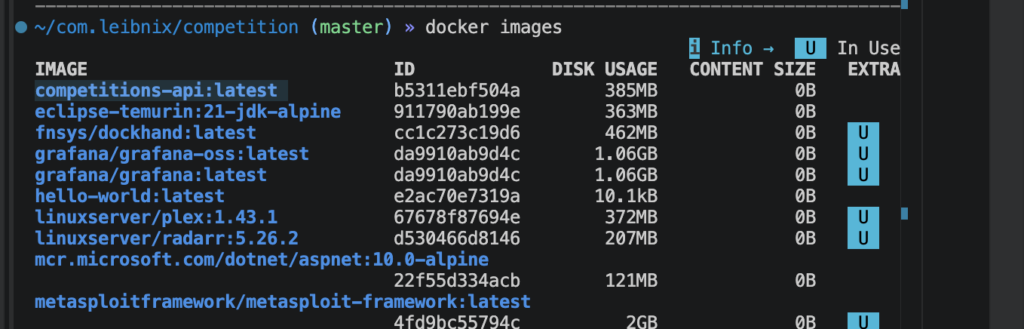
image:
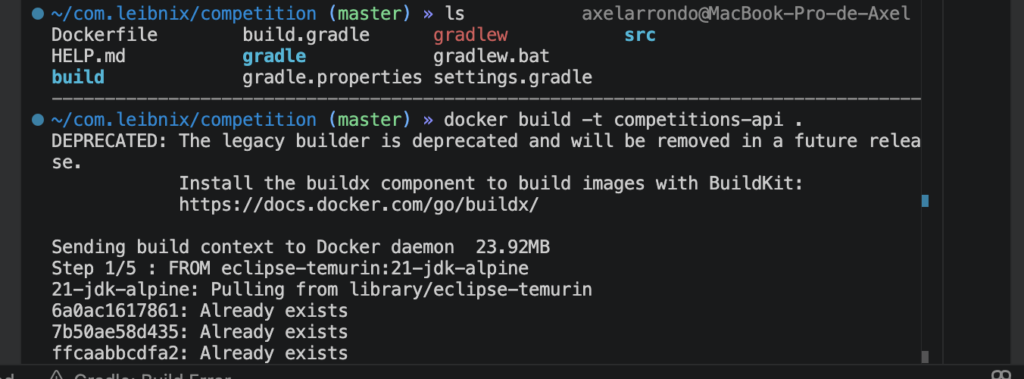
the, the image will be created You can see with docker images command):