
I do this because I know how to use vi/vim and when I opened something with nano I felt uncomfortable, but nano is simpler than vi or vim.
to open nano:
sudo nano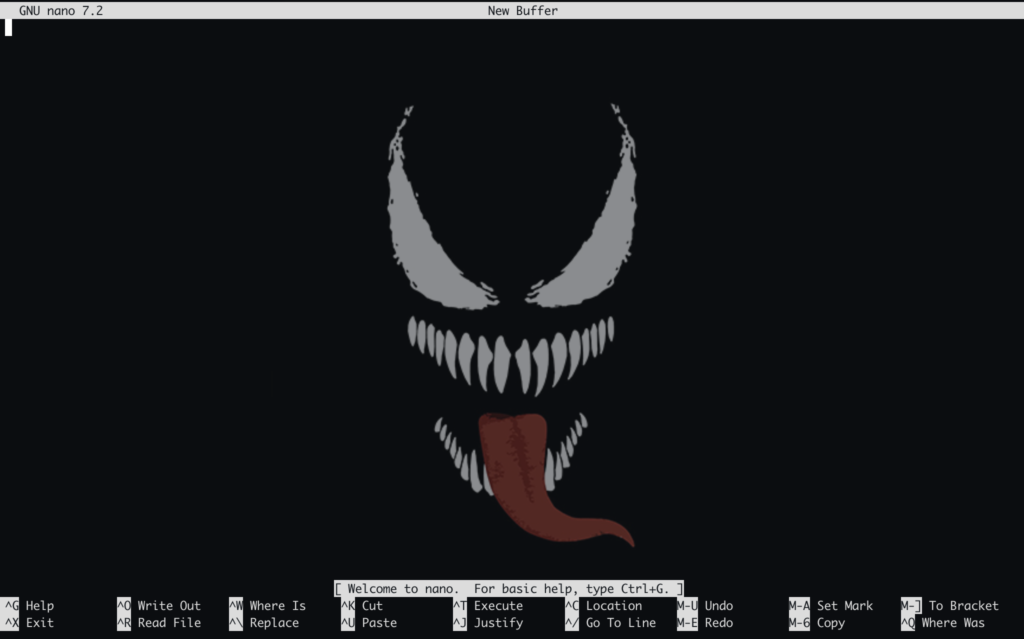
Unlike vi/vim, nano doesn’t have modes (there’s no switching from command to insert with i or Esc). In nano, you enter and you’re already writing.
The key to nano is at the very bottom of the screen: it has a menu with “keyboard shortcuts” where the ^ symbol means the Ctrl key.
to open a file.txt:
nano file.txtInside, you type normally, move around with the arrow keys, and delete with Backspace or Delete. There’s no mystery to it.
To save what you’ve written without leaving the file:
Press Ctrl + O (the letter O stands for Output)
At the bottom, it will ask: “Name the file to save: file.txt”
Press Enter to confirm
To close the editor:
Press Ctrl + X (for eXit)
If you haven’t changed anything: It will close automatically
It’s much flatter and more rustic than what I’ve seen, but for a quick edit it gets you out of a bind without having to think about what mode you’re in
To find text (/ in vi): Press Ctrl + W (for Where is), type the word, and press Enter
To go to a specific line (:number in vi): Press Ctrl + – (Ctrl + Underscore), type the line number, and press Enter