list brew services:
brew services list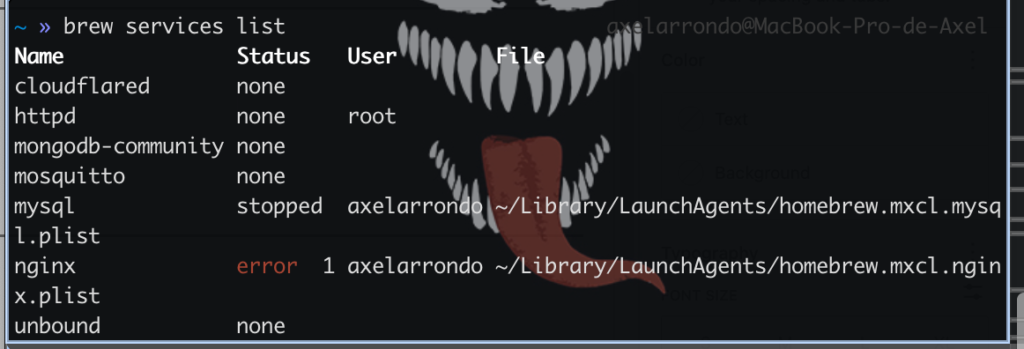
stop mongo community:
brew services stop mongodb-community
launchctl unload ~/Library/LaunchAgents/homebrew.mxcl.mongodb-community.plist
MongoDB can run in two different ways on your Mac, and sometimes you end up having both active at the same time without realizing it
brew services stop: It’s like turning off the light with a switch. Brew manages the process, ensuring it starts when you turn on your Mac and shuts down properly, saving any pending data.
kilall mongod: This command sends a signal directly to the running process, this is the “brute” (or emergency) command, If the service is configured to “always be on” using Homebrew, the process will revive in seconds. It searches for any process named mongod that is alive in RAM and instantly terminates it, It’s like unplugging your computer from the wall. It’s used when the Brew command fails or when you manually opened MongoDB from a terminal and the window remained open or the process hung.
launchctl unload: This command interacts with launchd, the macOS service manager, This is the correct way to stop MongoDB if you installed it with Homebrew. If you simply kill the process, launchd will detect that MongoDB crashed and will automatically restart it.
launchctl unload and killall mongod are very different tools for handling processes in macOS, This is the correct way to stop MongoDB if you installed it with Homebrew. If you simply kill the process, launchd will detect that MongoDB crashed and will automatically restart it.
Using brew services stop does exactly the same thing as the launchctl unload you used, but it saves you from having to type the entire file path.
must to be mongodb community Status: none (when lisst service)
start service:
brew services start mongodb-communitySince it’s started via brew services, you no longer need to worry about the database. You can close the terminal.
The database will always be there waiting for your code.
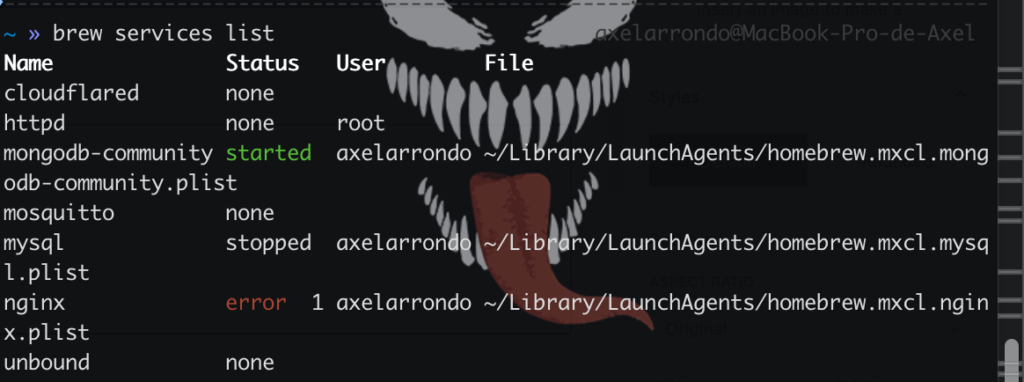
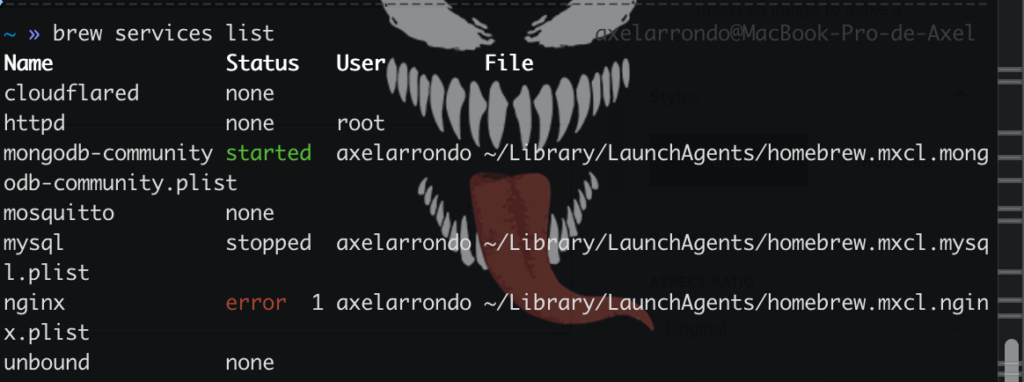
You’ll see that the service appears as “started” with brew list:
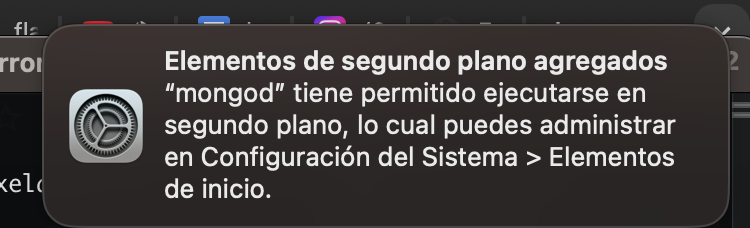
A pop-up window will open in macOS in the upper right corner indicating that the service is running in the background
stop mongodb service:
brew services stop mongodb-community
killall mongod
mongo runs on port 27017 in localhost
you can use mongoDBcompass