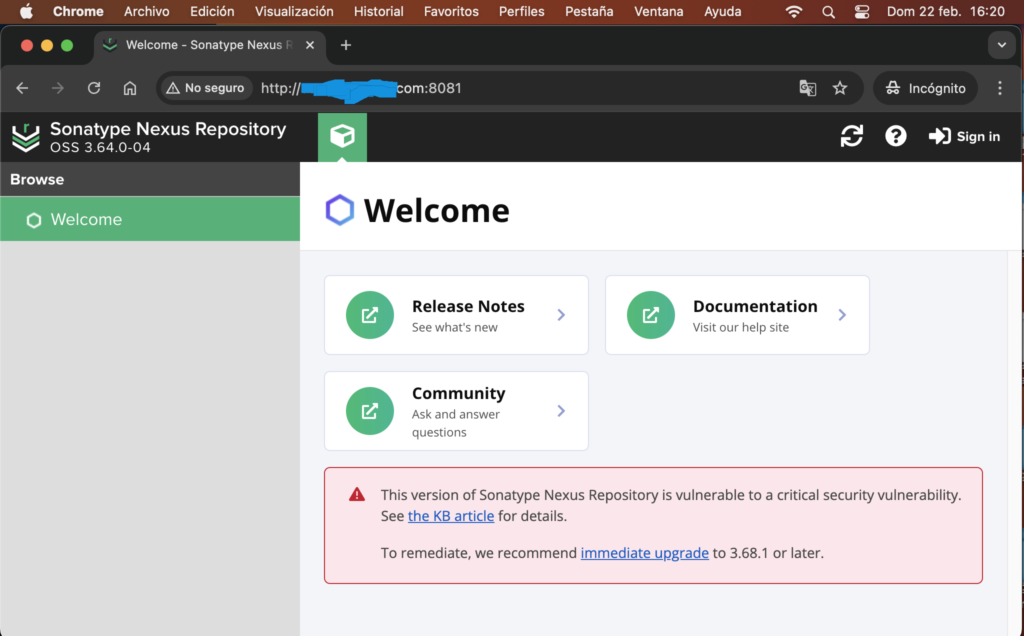
Ubuntu usually has the firewall active. You need to allow traffic through port 8081:
sudo ufw allow 8081/tcpsudo ufw statusConfigure Nexus to “listen” to everyone
Sometimes Nexus is configured to respond only to 127.0.0.1 (localhost). To respond to your domain, it must listen on 0.0.0.0
Edit the properties file:
sudo vi /opt/sonatype-work/nexus3/etc/nexus.propertiesLook for the line: application-host=0.0.0.0
If it says 127.0.0.1, change it to 0.0.0.0. If the line is commented out with #, remove the hash symbol
Restart
sudo systemctl restart nexusAccessing directly through port 8081 has a problem: It does not have SSL (it is not HTTPS)
Danger: Your admin password will travel over the internet in plain text. Anyone on the same Wi-Fi network (or along the way) could capture it.
Ideally, you should say that the direct access is for testing purposes, but in production you should use a reverse proxy (like Nginx) with Certbot (Let’s Encrypt) to access it via https://domain.com
SSH Tunnel: It’s ultra-secure because port 8081 is never exposed to the internet; it “travels” within your encrypted SSH connection.
Access your router (192.168.0.1) and perform port forwarding on internal port 8081
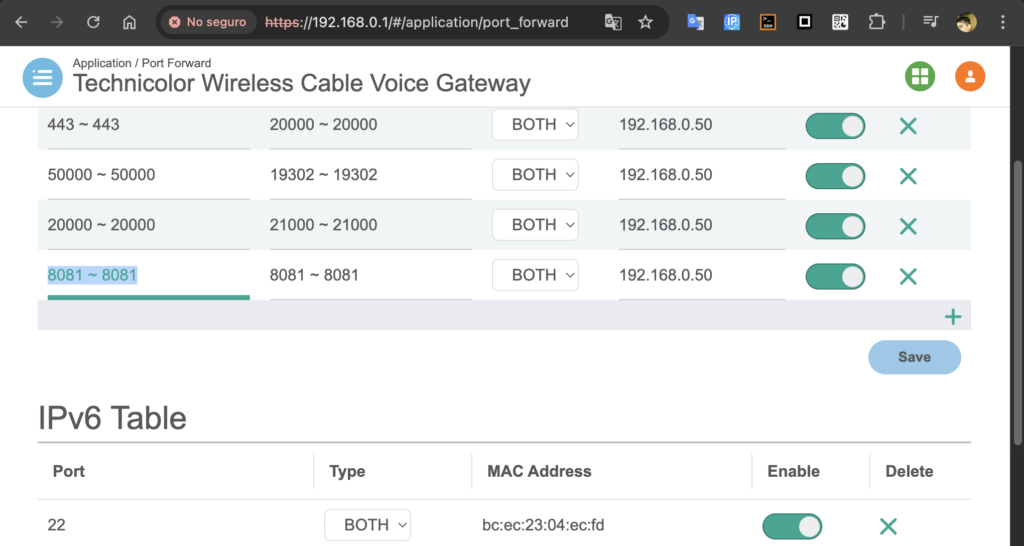
This is so that an external device and port XXXX can communicate with localhost and port 8081
In this case, I would enter through domain.com:8081 and be redirected to localhost:8081 on the server.