Spring Initializr is a scaffolding tool for creating Spring Boot projects, including RESTful APIs in Java.
Spring Initializr is a web tool (via the web is one way) that allows you to create a Spring Boot project with the necessary dependencies and configurations to start developing your application immediately.
An archetype is a Maven project used as a template for creating new projects. Maven archetypes are very flexible and can be used to create projects of any type, not just Spring projects.
Spring Initializr, on the other hand, is a tool specifically designed for creating Spring Boot projects. It helps you create Spring Boot projects with the necessary dependencies and configurations to start developing immediately.
Differences between Spring Initializr and Maven Archetypes:
Gradle is a build automation tool for software projects, similar to Maven. It is very popular in the Java ecosystem and is widely used in Spring Boot projects.
Gradle uses Groovy as the configuration language for its build scripts. Groovy is a dynamic language that runs on the JVM (Java Virtual Machine).
Maven Archetype is a generic tool for creating Maven projects, while Spring Initializr is specific to Spring Boot projects.
Spring Initializr provides a predefined configuration for Spring Boot projects, while Maven Archetype allows you to configure the project according to your needs.
namely: groovy
Groovy is a programming language that runs on the Java Virtual Machine (JVM), just like Java. It was created to be more concise and flexible than Java, and is widely used in the Java ecosystem, especially with frameworks like Grails and Gradle.
Groovy has a shorter and more flexible syntax than Java, making it ideal for scripts and configurations.
Groovy is a dynamic language, which means it does not require the explicit declaration of variable types, making it faster to develop.
Groovy integrates seamlessly with Java, so you can use Java libraries and frameworks in your Groovy projects.
You don’t need to explicitly install Groovy to use Gradle. Gradle comes with its own version of Groovy included, so you can start using it right away.
If you prefer to use Java, that’s also possible. Gradle supports Java configuration, although it’s less common.
- Select the Spring Boot version
- Choose the programming language (Java, Kotlin, Groovy)
- Select the project type (Maven, Gradle)
- Add dependencies for your project (Web, Data JPA, Security, etc.)
- Configure the project structure
- Generate a configuration file (pom.xml or build.gradle)
It is used to create Spring Boot projects for:
- Develop RESTful APIs
- Create web applications
- Implement microservices
- Develop data applications (Data JPA, Data MongoDB, etc)
spring initializr is useful because:
- Save time on initial project setup
- Ensure your project is configured correctly
- Allows you to focus on developing your application
ways:
web:
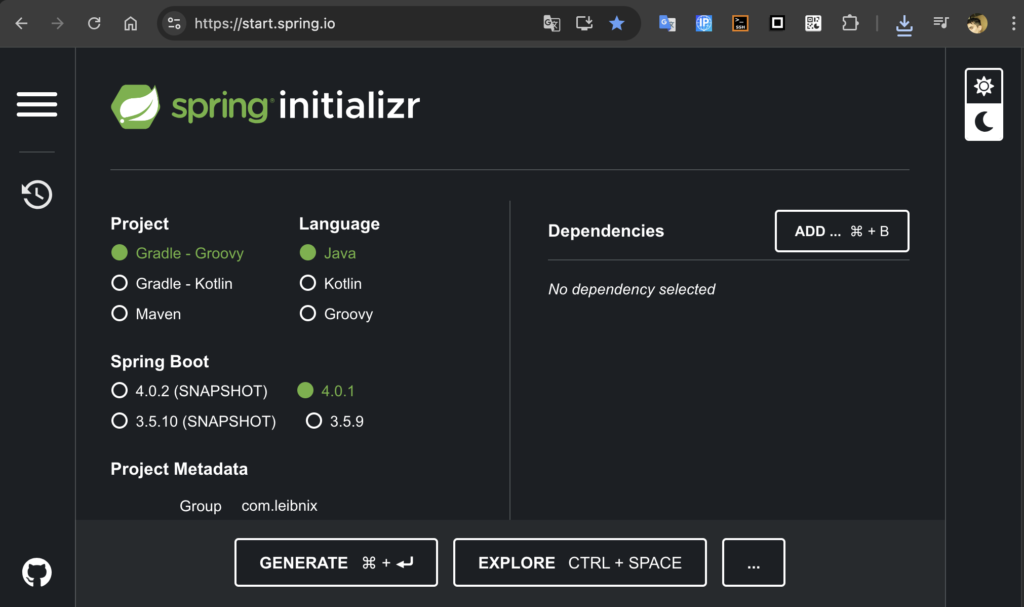
That website will download a .zip file with the project already created with all the options you have chosen.
CLI (Command Line Interface):
Spring Initializr offers a command-line tool that allows you to create projects from the terminal.
IDE (Integrated Development Environment):
They allow you to create projects directly from the IDE:
- Spring Tool Suite (STS)
- IntelliJ IDEA
- Eclipse
- Visual Studio Code
- NetBeans
API REST
Spring Initializr offers a REST API that allows you to create projects programmatically.
Maven Plugin
You can use the Maven plugin spring-boot:initialize to create Spring Boot projects
Gradle plugin
There is also a Gradle spring-boot:initializer plugin available
via the web:
Choose the Java version: 25, 21, 17

packaged as output: jar (.java and .class files with the classes) or war (includes web server, that’s why it’s usually heavier)

Configuration files: .properties (key.field=value) or .YAML (properties and values with indentation)

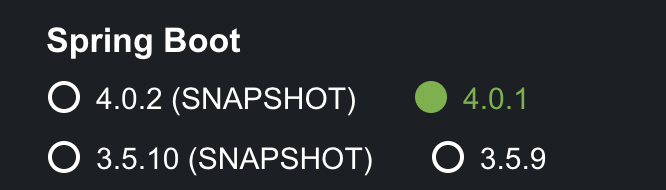
spring-boot version:
Choose the latest version that doesn’t say SNAPSHOT (it’s the latest stable version, snapshot means it’s experimental)
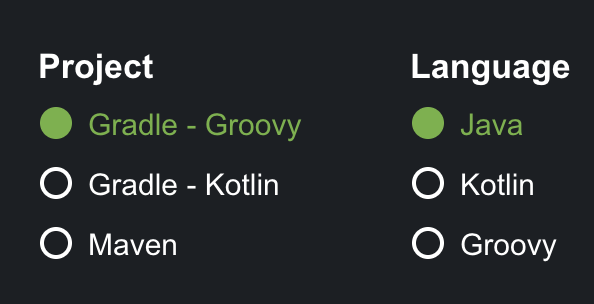
project type and language:
Maven is handled using a file called pom.xml
Gradle with Groovy (Groovy is a scripting language that uses the Java JVM)
Gradle is used to manage the project using .gradle files; it is usually configured with Groovy.
The languages used are Java and Kotlin (Kotlin is a modern language, like those used for Android, that uses Java’s JVM).