
Credentials that are not displayed in GitLab but are used privately can be found at:
~/.gradle/gradle.propertiesIf the file does not exist, create it.
content:
In ~/.gradle/gradle.properties
ossrhUsername=XXUSERTOKENXX(in sonatype maven)
ossrhPassword=XXPASSTOKENXX(in sonatype maven)
org.gradle.java.home=/usr/local/opt/openjdk/libexec/openjdk.jdk/Contents/Home
you must create the token in sonatype once and save it (it is not a token that is refreshed every 5 minutes)
Configuration of GPG (in gradle.properties)
signing.keyId=XXID_KEYXX
signing.password=XXPASSPHRASEKEYXX
signing.secretKeyRingFile=/Users/XXXX/secring.gpg
the repository:
https://gitlab.com/com.leibnix/examplewithgradle/-/blob/main/build.gradle?ref_type=heads
gradlew works for Linux and macOS (you use gradle through this script)
the command is:
./gradlew commandTaskThat executes a Gradle task (you can define a new one in build.gradle, there are existing ones)
Check if the GPG signature works:
./gradlew clean signMavenJavaPublication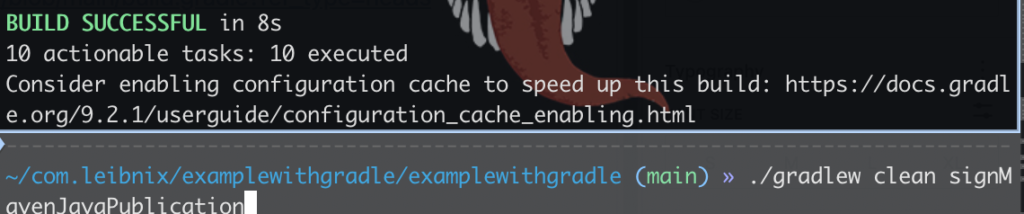
It’s not done simply by adding the word “artifact”. It’s done by configuring the publishing block using the maven-publish plugin.
publishing {
    publications {
        mavenJava(MavenPublication) {
            groupId = 'com.xxxx'     // your Group ID registred in Sonatype
            artifactId = 'example'
Critical requirements (what Sonatype will ask you for):
- Javadoc and Sources: These are required. You must create tasks in Gradle to generate these additional JARs and add them as artifacts
- GPG signing: All files (.jar, .pom) must be signed. You will need to configure the
signing { sign publishing.publications.mavenJava }block - Group ID: Must exactly match the one you validated in the Sonatype JIRA ticket (e.g., com.xxxxx)
publish artifact locally to test (.m2/repository/):
./gradlew publishToMavenLocal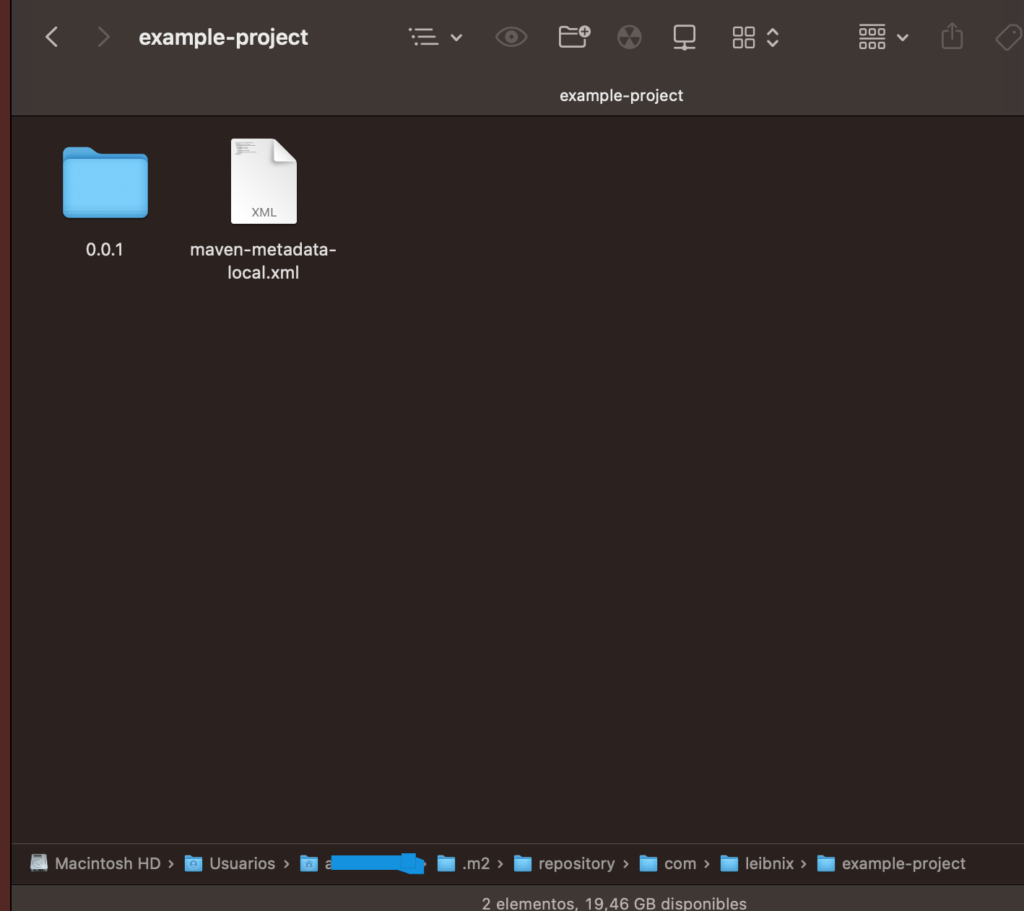
publish in sonatype (for then in maven central):
./gradlew publishMavenJavaPublicationToOSSRHRepositoryThis is the classic/traditional method. It is based on the standard Gradle maven-publish plugin.
First, run:
./gradlew clean compileJavaYou should see: build success
- NMCP doesn’t perform a PUT request of individual files (which is what causes the 404 error)
- The plugin internally creates the “Bundle” (ZIP file) that Sonatype requires
- It uploads it to the central.sonatype.com API following the new 2024/2025 protocol
the command to publish is:
./gradlew publishAllPublicationsToCentralPortal./gradlew publishAllPublicationsToCentralPortal
This is the modern method, introduced with the new Sonatype Central Portal and managed by GradleUp’s nmcp plugin.
Instead of uploading file by file, this command packages everything into a single .zip file (a Bundle) and uploads it atomically.
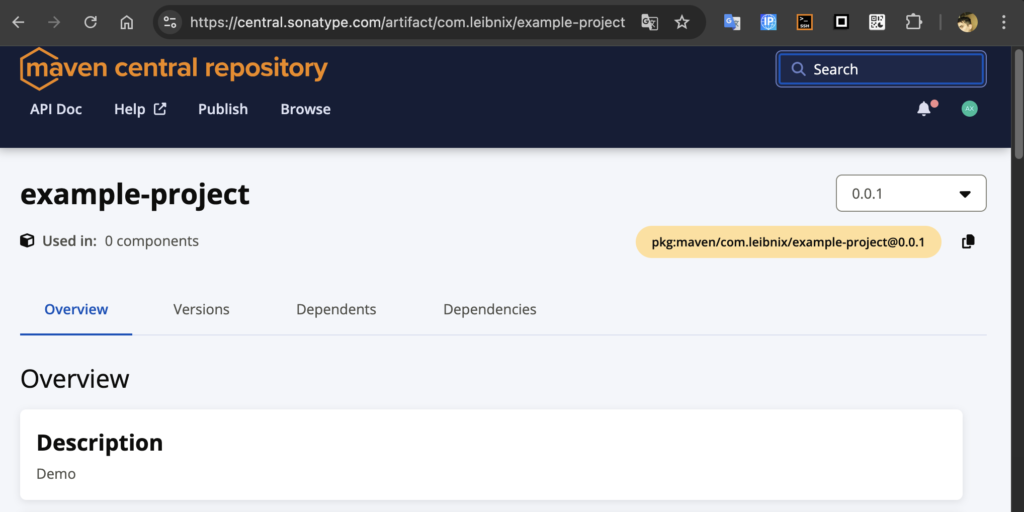
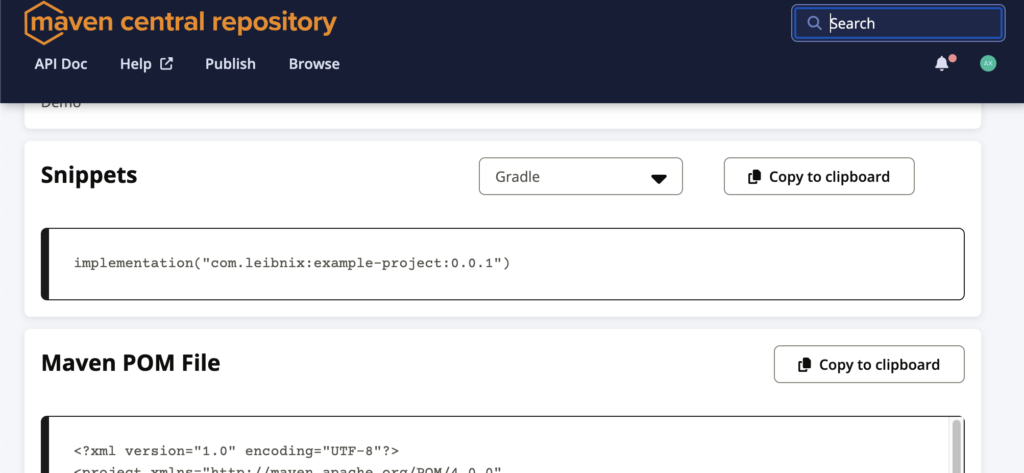
in maven central sonatype:
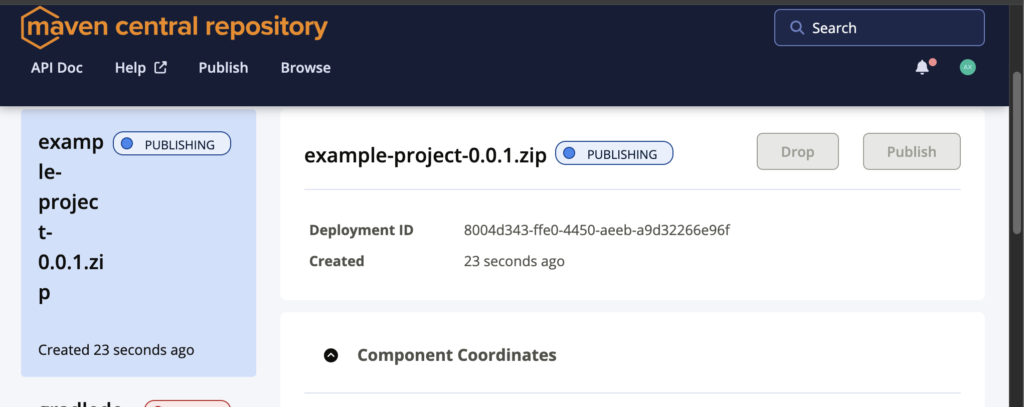
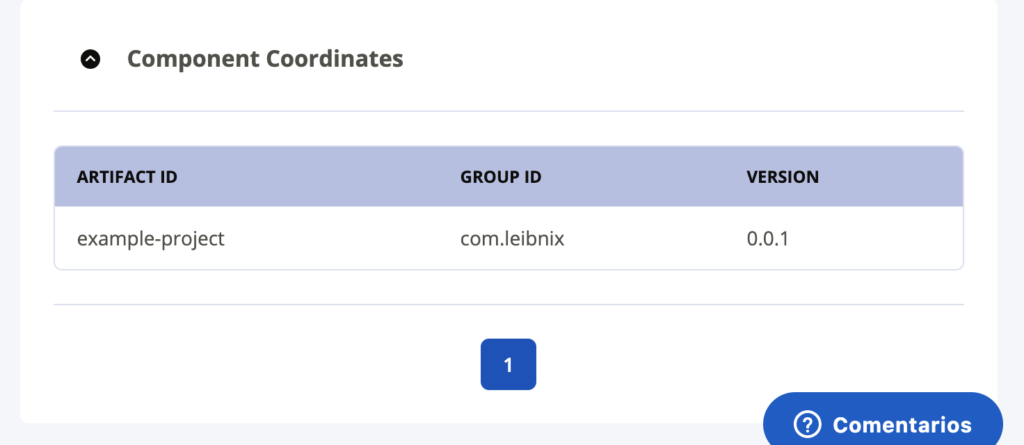
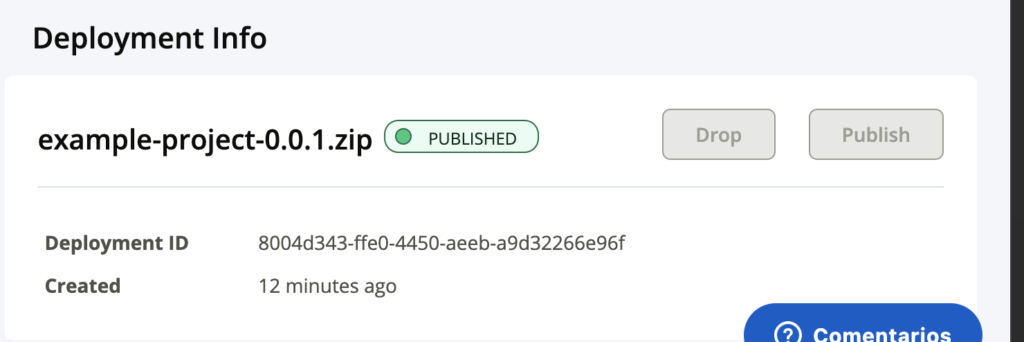
https://central.sonatype.com/artifact/com.leibnix/example-project
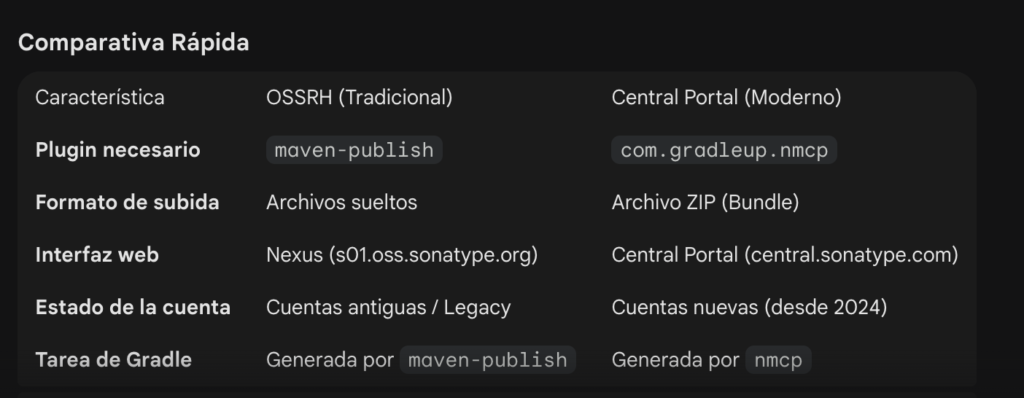
./gradlew publishAllPublicationsToCentralPortalThe other command (OSSRH) is giving you the 401 error because that server (Nexus) is being “retired” for new accounts, and token access is configured for the new portal, not the old staging system.